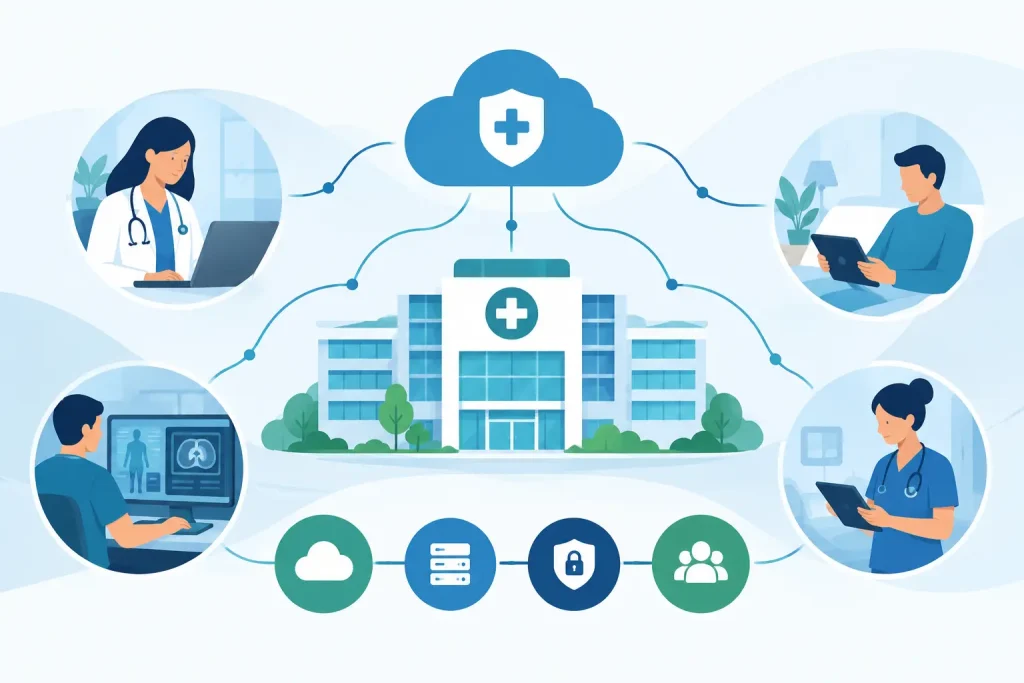
A phone cutover rarely fails because of the phones. It fails because the business treated voice like a simple app instead of a live operational system tied to internet circuits, call routing, user workflows, security, and support. A solid voip migration checklist keeps the project grounded in those realities before the first number ports or the first handset is plugged in.
For organizations with multiple sites, compliance requirements, front-desk call flows, or customer-facing teams, a VoIP move is not just a telecom refresh. It is a production change. The right approach protects uptime, preserves call quality, and prevents the usual problems – missed ports, broken auto attendants, dead zones on Wi-Fi, and finger-pointing between carriers, IT, and voice providers.
What a voip migration checklist should actually cover
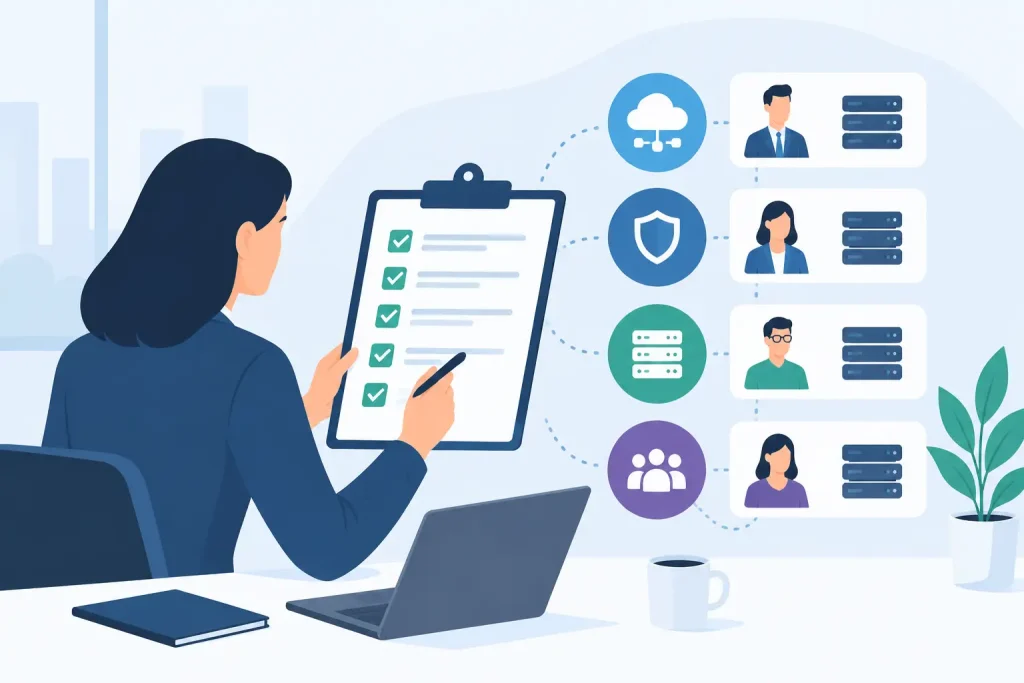
A useful checklist is not a list of hardware SKUs and due dates. It should force clear decisions in five areas: network readiness, call flow design, carrier coordination, user adoption, and operational support after go-live.
That matters because voice quality problems often start outside the phone system itself. Congested circuits, poor LAN design, weak wireless coverage, unmanaged switches, and inconsistent power backup can all degrade calls. At the same time, a technically sound deployment can still fail if front desk staff cannot transfer calls correctly or if hunt groups do not reflect how the business actually works.
The checklist below is built for decision-makers who need an orderly migration with minimal disruption, not a science experiment.
VoIP migration checklist before you choose a cutover date
Start with an inventory. You need a complete view of numbers, locations, users, devices, call paths, and dependencies. That includes main numbers, direct inward dial ranges, fax lines, elevator lines, alarm lines, paging systems, overhead speakers, cordless phones, conference rooms, and any analog devices still in use. Many projects get delayed because one forgotten analog line supports a critical service.
Document how calls move through the business today. Map the auto attendant, business hours routing, holiday schedules, call queues, hunt groups, voicemail rules, after-hours forwarding, and any escalation paths for urgent calls. If a location handles patient calls, resident family calls, leasing inquiries, or payment-related conversations, those flows deserve extra scrutiny because small routing mistakes become immediate business problems.
Next, assess the network. VoIP depends on stable connectivity, proper switching, and predictable traffic handling. Confirm available bandwidth, circuit performance, failover paths, switch capacity, PoE availability, VLAN design, and quality of service policies. If the environment relies heavily on Wi-Fi calling or cordless VoIP devices, verify wireless coverage in the areas where calls actually happen, not just where a survey says signal is acceptable.
Power planning belongs here too. If internet equipment, switches, and phones lose power during a utility event, so does the phone system. Decide what must stay live on battery backup or generator power. For healthcare, senior living, finance, and other always-on environments, this is an operational requirement, not a nice-to-have.
Security should be part of the pre-migration review, not an afterthought. Validate administrative access controls, device provisioning methods, password policies, and how the new platform handles toll fraud prevention, logging, and alerting. Voice is part of the broader attack surface.
Number porting and carrier coordination
Number porting is where timelines get optimistic and then unravel. Treat it as a controlled dependency with hard checkpoints.
Verify the exact numbers to be ported, the current carrier records, billing telephone numbers, service addresses, and account authorizations. Even minor inconsistencies between carrier records and submitted port requests can trigger rejection. If the business has multiple locations or inherited services from past mergers, expect discrepancies.
Set realistic timing. Port windows, firm order commitments, and carrier escalations do not always align with internal project calendars. If a site cannot tolerate downtime during business hours, build a migration plan around after-hours activity, temporary forwarding, or staged porting rather than assuming a single big-bang event will go cleanly.
It also helps to separate internet and voice assumptions. Some organizations assume a new VoIP deployment requires a new circuit or that the voice provider owns the transport path. Sometimes that is true. Sometimes it is not. What matters is clear accountability for who owns circuit delivery, failover behavior, router configuration, and escalation if call quality drops after cutover.
Build the right user and device plan
Not every user needs the same endpoint or the same calling features. Executives, front desk teams, contact-heavy departments, shared workstations, remote staff, and common areas all have different requirements. A migration runs more smoothly when those needs are defined before ordering and provisioning begin.
Decide which users need physical handsets, softphones, mobile apps, or a mix. In many environments, a blended model works best. Front-office and common-area users often need dedicated devices, while mobile teams may work better with laptop and smartphone clients. The trade-off is support complexity. More endpoint types mean more flexibility, but also more training and more variables during go-live.
Review emergency calling requirements carefully. Confirm how E911 location data will be assigned and updated, especially for multi-floor buildings, remote workers, and users who move between locations. This is both a safety and compliance issue.
If the business uses paging, door phones, intercoms, analog faxing, or specialty devices, determine whether they will be replaced, converted through adapters, or kept on separate services. The right answer depends on reliability requirements and how mission-critical the device really is.
Test the call flows before go-live
A good configuration on paper is not enough. Test every major call scenario with real users.
That means inbound calls to main numbers, direct dials, transfers, queue behavior, voicemail delivery, after-hours routing, failover routing, outbound caller ID, conference calling, and any integration with CRM, EHR, or directory platforms. If a receptionist handles call overflow for multiple departments, test those branches in the same way the business will use them under pressure.
Run audio quality tests at each site and on each network segment where phones will live. Check latency, jitter, packet loss, one-way audio, and call drops. If remote workers are part of the design, include them in testing from their real home environments. A perfect office deployment does not guarantee acceptable performance for a distributed workforce.
User acceptance testing should involve department leaders, not just IT. The people who answer calls every day will catch operational issues that engineers may miss, such as poorly named queue options, confusing voicemail prompts, or transfer steps that slow down service.
Prepare the cutover like an operations event
The final week before migration should look more like change management than simple installation.
Confirm that all hardware is onsite, staged, labeled, and assigned. Verify internet stability, switch readiness, device firmware, extension mapping, and final port status. Freeze unnecessary network changes that could complicate troubleshooting. Make sure everyone knows the exact sequence for cutover day, including who approves go-live and who handles vendor escalation.
Communications matter. Users should know what is changing, when it is changing, and how to get help. Keep instructions brief and role-based. A front-desk user needs different guidance than a remote manager using a softphone. Long training documents are usually ignored. Short, scenario-based guidance gets used.
Establish a rollback position where practical. Not every migration can be fully reversed, especially once numbers port, but there should be a documented contingency plan for forwarding, temporary rerouting, or priority restoration if a major issue appears.
If your environment is complex, one team that owns the whole stack makes a measurable difference. When voice, network, and carrier coordination are split across separate vendors, cutover day can turn into a blame loop. That is one reason organizations often work with providers like Southeast Networks that can oversee the full path from connectivity to user support.
What to watch after the migration
Go-live is the start of stabilization, not the finish line. The first two weeks matter because this is when hidden issues surface.
Monitor call quality, registration status, queue performance, voicemail delivery, mobile app behavior, and user-reported pain points. Review support tickets for patterns. If multiple users report transfer confusion or dropped calls in one area of the building, there is usually a root cause worth fixing centrally instead of case by case.
Confirm that billing matches the intended design. VoIP migrations can create surprise costs when old lines were not fully disconnected, unused licenses remain active, or temporary forwarding stays in place longer than expected. Finance stakeholders should have a clean view of recurring charges, one-time implementation costs, and any residual legacy spend.
This is also the right time to tighten documentation. Update support contacts, extension lists, failover procedures, emergency calling records, and network diagrams. A phone system becomes much easier to support when the post-migration environment is documented to the same standard as the rest of the infrastructure.
A practical standard for decision-makers
The best voip migration checklist is not the longest one. It is the one that forces accountability across planning, network readiness, user workflows, carrier coordination, and post-cutover support. If the migration touches customer service, life safety, compliance, or revenue operations, treat voice with the same discipline you would apply to any critical production system.
A good phone migration should feel almost uneventful to the business. That only happens when the hard work is done before the cutover window opens.