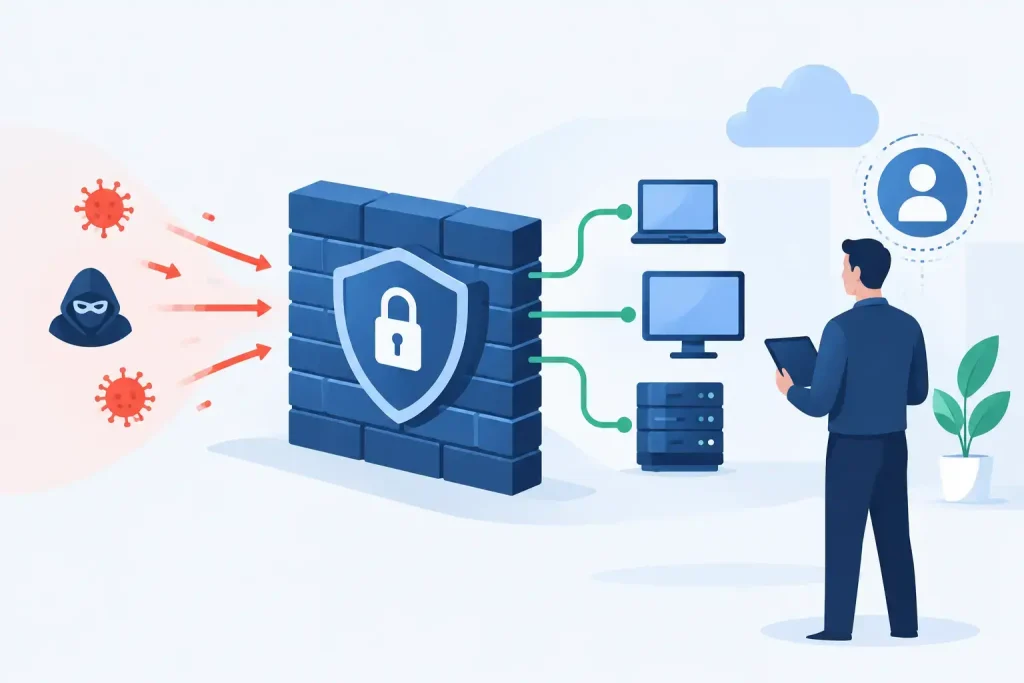

A phishing email does not need to fool every employee to create a business problem. It needs one person with access to payroll, patient records, banking portals, cloud administration, or a shared mailbox to act at the wrong moment. To reduce phishing attack exposure, organizations need more than annual awareness training and a spam filter. They need controls that limit what a convincing email can reach, what a compromised account can do, and how quickly the team can contain it.
For multi-site organizations, the risk is amplified by inconsistent processes. A corporate office may have strong identity controls while a remote clinic, senior living community, retail location, or property office relies on shared workflows and under-supported devices. Attackers look for those gaps. The right response is an operating model that applies the same standards across email, identity, endpoints, connectivity, and support.
Reduce Phishing Attack Exposure in Layers
Phishing is an entry method, not a single technical category. A fraudulent Microsoft 365 sign-in page, a business email compromise request, a malicious attachment, and a fake vendor invoice may look different, but each is designed to gain access, redirect money, or trigger an unsafe action.
That is why one control will not solve the problem. Email filtering can stop known malicious messages, but it cannot reliably identify every social-engineering attempt. Multi-factor authentication can prevent many account takeovers, but it does not stop an employee from approving a fraudulent payment. Training can improve judgment, but people remain busiest and most vulnerable when an urgent request appears to come from an executive, physician, vendor, or property manager.
A layered program assumes that some messages will get through. Its job is to make the consequences smaller and the response faster.
Start with the email domain
Your own domain should be difficult to impersonate. SPF, DKIM, and DMARC are foundational email authentication controls that tell receiving mail systems which senders are authorized to use your domain and whether messages have been altered in transit.
Many organizations have these records in place but have not finished the work. For example, a DMARC policy set only to monitoring collects useful data but does not instruct receivers to quarantine or reject unauthorized messages. Moving to enforcement requires care because legitimate third-party senders, such as marketing platforms, billing systems, or outsourced communications tools, must be identified first.
The trade-off is straightforward: a rushed enforcement policy can interrupt legitimate email, while a monitoring-only policy leaves customers, vendors, and employees more exposed to impersonation. Review all authorized senders, correct the configuration, and move deliberately toward enforcement. This is a business continuity project, not just a DNS task.
Inbound email security also deserves regular tuning. Configure protections for impersonated domains, display-name spoofing, suspicious forwarding rules, attachment types, and links that redirect through newly created or low-reputation sites. Review quarantine activity and false positives with the departments that handle invoices, admissions, purchasing, and customer communications. A filter that blocks essential operational email without a clear release process will be bypassed or ignored.
Make stolen credentials less useful
Credential theft remains one of the most common phishing outcomes. Once an attacker signs in as a legitimate user, they can read mail, search for payment details, create inbox rules, send internal phishing messages, and use trusted relationships against the organization.
Require multi-factor authentication for every user, especially administrators, finance personnel, executives, and remote staff. Where the identity platform supports it, phishing-resistant methods such as FIDO2 security keys or certificate-based authentication provide stronger protection than text-message codes. SMS-based MFA is still better than passwords alone, but it can be vulnerable to number takeover and real-time credential relay attacks.
Conditional access policies add another layer. They can require stronger verification when a sign-in occurs from an unfamiliar device, unusual location, risky IP address, or unmanaged browser. They can also limit access to sensitive applications from personal devices. The best policy depends on workforce needs. A field-based operations team may need mobile access, while finance or HR may require tighter device and location restrictions.
Do not overlook legacy protocols and service accounts. Older email clients, basic authentication, and shared credentials can create a path around modern identity controls. Inventory them, replace them where possible, and document the business owner for every exception. An exception without an owner tends to become permanent.
Build Reporting Into Daily Work
Employees should not have to decide whether a suspicious message is serious enough to report. Give them a simple, consistent reporting method in their email client and make the expected action clear: report it, do not forward it, and do not reply to it.
Reporting is valuable even when the employee did not click. A single report can reveal a campaign targeting multiple locations, a spoofed vendor, or an executive impersonation attempt that the email gateway did not flag. Security teams can then search mailboxes, remove matching messages, block indicators, and notify affected users before the issue spreads.
Training should reflect the decisions employees actually make. Generic examples of misspelled lottery emails have limited value for a controller who receives wire requests or a community manager who works with residents and vendors. Use examples tied to the organization’s real workflows: changes to direct deposit, revised banking instructions, password-reset notices, shared-document requests, and urgent requests to purchase gift cards.
The goal is not to make employees suspicious of every message. It is to teach them when a request requires independent verification. For financial changes, verification should happen through a known phone number or established contact method, never by replying to the message that made the request.
Protect the Systems Behind the Inbox
Email is only one part of the attack path. If a user opens a malicious attachment, endpoint protections, application controls, and patch management may determine whether the event becomes a contained alert or a network outage.
Managed endpoints should have centrally monitored security tools, timely operating system and application updates, encrypted drives, and limited local administrator rights. Least-privilege access matters because malware running under a standard user account has fewer ways to install tools, disable defenses, or move into shared systems.
Network segmentation also limits the blast radius. A compromised workstation at a retail site or residential community should not have unrestricted access to accounting systems, clinical applications, server management interfaces, or every device at headquarters. Segmenting networks takes planning, particularly where older equipment and specialized systems are involved, but flat networks make phishing incidents far more expensive to investigate and recover from.
Backup strategy belongs in this conversation as well. Phishing campaigns frequently lead to ransomware, and backups that are always connected to the same environment may be affected with everything else. Maintain protected, tested recovery copies and know which applications must return first. A recovery plan that has not been tested under time pressure is an assumption, not a plan.
Define the Response Before Someone Clicks
A fast response depends on decisions made before an incident. Every organization should have a documented process for suspected credential theft, malicious attachments, fraudulent payment requests, and email account compromise.
For a suspected account takeover, the first actions are usually to disable or secure the account, revoke active sessions, reset credentials, review MFA methods, and inspect inbox rules, forwarding settings, and recent sign-in activity. The team should then determine what data was accessed, which internal and external contacts received messages from the compromised account, and whether additional accounts show the same indicators.
For payment fraud, speed and authority matter. Finance teams need a predefined escalation route to the bank, leadership, legal counsel, insurance contacts, and affected vendors. Waiting for a chain of approvals can turn a recoverable transfer into a permanent loss.
This is where accountable support makes a difference. The provider managing email security, identity, endpoints, network access, and connectivity should be able to coordinate the investigation across the environment. Fragmented ownership creates delay: one vendor checks the mailbox, another checks the firewall, another manages the endpoint, and no one owns the outcome.
Measure the Controls That Change Risk
Security reports should help leadership make operational decisions, not create noise. Track whether MFA coverage is complete, whether privileged accounts use stronger authentication, how quickly reported phishing messages are reviewed, and whether DMARC enforcement is active. Monitor devices that are missing security updates, accounts with risky sign-ins, and locations that repeatedly generate suspicious activity.
Measure response time as well. How long does it take to remove a confirmed phishing message from all mailboxes? How quickly can a compromised account be contained outside business hours? These metrics reveal whether the program works under real conditions, not just whether licenses have been purchased.
For organizations with multiple sites, compare performance across locations. A single under-managed location can become the path into a larger environment. Standardized controls, centralized visibility, and clear local escalation contacts reduce that exposure without forcing every site to become its own security team.
Phishing will continue to evolve because attackers adapt to the tools and language people trust. The practical objective is not perfection. It is building an environment where deceptive messages have fewer paths in, stolen credentials have less value, and real engineers can act quickly when an employee raises a hand.