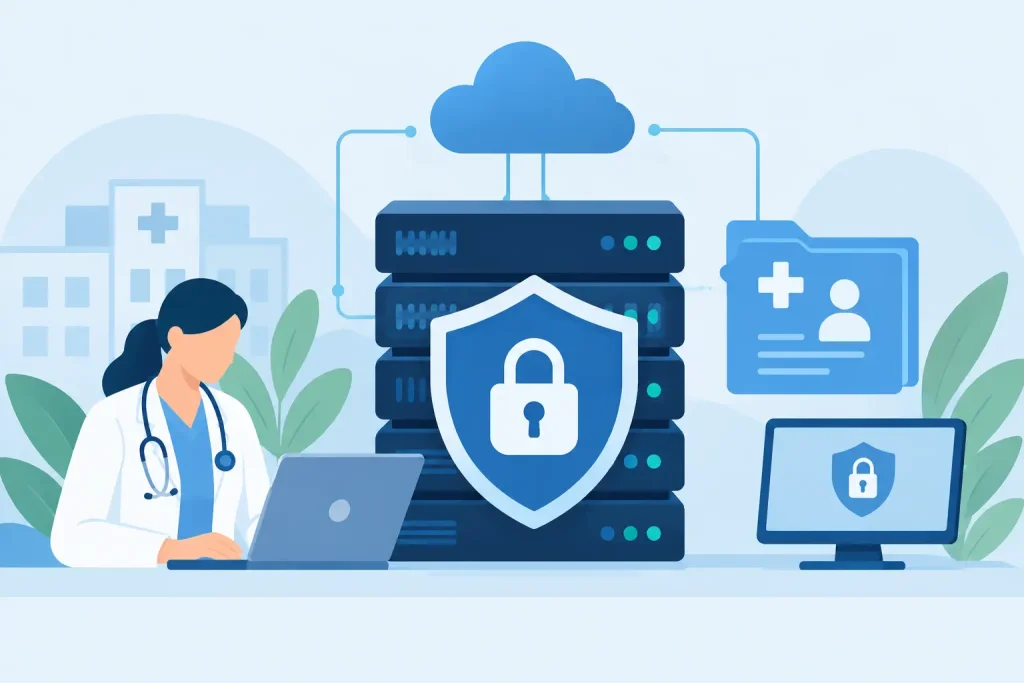

A lost laptop, a shared login, or an Internet outage during a clinical workflow can become more than an IT inconvenience. It can interrupt care, expose protected health information, and create a compliance problem that reaches far beyond one device. HIPAA compliant IT infrastructure is the operational foundation that reduces those risks while keeping staff connected to the systems they need.
For healthcare providers, senior living operators, and organizations handling protected health information, the question is not whether they have security tools. The question is whether the entire environment works together under clear ownership. Networks, endpoints, cloud applications, voice systems, access policies, backups, and connectivity must support the same outcome: confidential information stays protected, authorized users can do their work, and operations can recover when something fails.
HIPAA Is an Operating Requirement, Not a Product
HIPAA does not certify a firewall, a cloud platform, or a managed service provider as compliant. Compliance depends on how an organization assesses risk, configures systems, manages access, documents procedures, and responds to incidents. Technology is a critical control, but it is only one part of the requirement.
That distinction matters when evaluating infrastructure. A new firewall will not fix unmanaged user accounts. Encrypted storage does not replace a tested recovery plan. A vendor’s security feature list does not satisfy the organization’s responsibility to understand where electronic protected health information, or ePHI, resides and who can access it.
The HIPAA Security Rule calls for administrative, physical, and technical safeguards. In practice, those safeguards should become repeatable operating disciplines: documented risk analysis, role-based access, device controls, audit logging, secure connectivity, data recovery, workforce training, and a defined incident response process. The specific controls will vary by organization size, clinical workflows, risk profile, and budget. The accountability cannot vary.
The Core Layers of HIPAA Compliant IT Infrastructure
A dependable environment is built in layers. Each layer should reduce the impact of a human mistake, equipment failure, security event, or carrier outage without making daily work unreasonably difficult.
Identity and access controls come first
Most users do not break into systems through sophisticated exploits. They sign in with credentials that were stolen, reused, shared, or never disabled after an employee left. That is why identity management is the control plane for the environment.
Every workforce member should have an individual account. Access should align with their job role and be limited to the minimum necessary systems and data. Multi-factor authentication should protect email, remote access, cloud applications, and administrative systems. Privileged accounts need tighter controls than standard user accounts, including separate credentials and stronger logging.
Offboarding deserves the same discipline as onboarding. When access removal depends on an email to a help desk or a manager remembering to make a call, former employees can retain access longer than intended. A documented workflow with defined ownership closes that gap.
Secure endpoints and managed patching reduce exposure
Desktops, laptops, tablets, servers, and mobile devices are all potential entry points. An endpoint standard should include full-disk encryption, centrally managed antivirus or endpoint detection and response, supported operating systems, screen-lock policies, and the ability to locate or remotely wipe a lost device when appropriate.
Patching is equally important, but it requires operational judgment. Critical security updates should move quickly. Clinical applications, older line-of-business software, and connected medical devices may require testing or vendor coordination before updates are applied. The answer is not to leave them unpatched indefinitely. It is to document the exception, apply compensating controls, and establish a remediation timeline.
Network design should limit blast radius
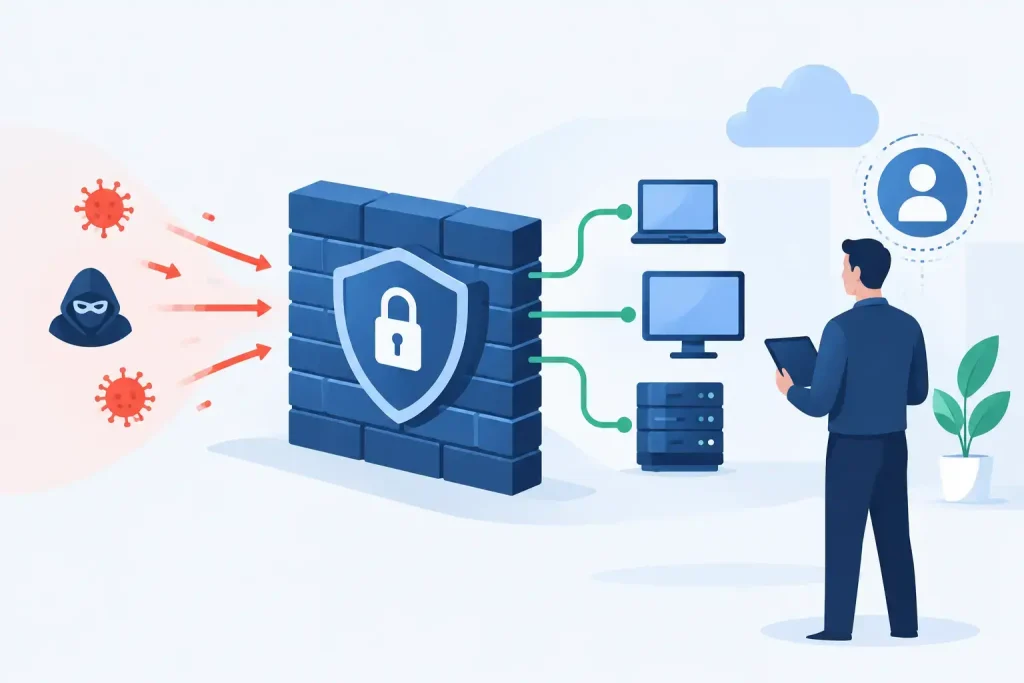
A flat network gives an infected workstation a broad path to other systems. Network segmentation reduces that exposure by separating clinical devices, staff workstations, guest Wi-Fi, voice systems, servers, and administrative functions. If one segment is compromised, the incident is less likely to become an organization-wide outage.
Secure Wi-Fi requires more than a strong password. Organizations should use separate networks for staff, guests, and managed devices; current encryption standards; controlled access; and visibility into what is connecting. For multi-site operators, consistent design and centralized monitoring make it easier to identify drift before it creates risk.
Connectivity also belongs in the security conversation. A secure cloud application is of little help if a site loses its only Internet circuit and staff cannot reach it. Primary and secondary connections, automatic failover, and monitored carrier performance should be designed around the cost of downtime at each location. A small administrative office may accept a different level of redundancy than a care facility that operates around the clock.
Email, voice, and cloud services require clear boundaries
Many organizations focus on servers while ePHI moves through email, collaboration platforms, cloud storage, text messaging, and voice workflows. Each service needs an approved use case, secure configuration, and a clear understanding of what information may be transmitted through it.
Business associate agreements are part of that review when a vendor creates, receives, maintains, or transmits ePHI on the organization’s behalf. A BAA is necessary in many situations, but it is not a security control by itself. The organization still needs to configure sharing restrictions, retention settings, access permissions, logging, and user training.
Voice deserves attention as well. VoIP systems may carry patient information in voicemail, call recordings, screen pops, and call routing data. Access to recordings and administrative portals should be restricted, and retention should match the organization’s policy and legal requirements.
Recovery Planning Must Account for Real Failures
Backups are not disaster recovery. A backup may exist and still be unusable because it was not tested, was encrypted by ransomware, excluded a critical application, or cannot be restored within the time the business can tolerate.
A recovery plan should define which systems come back first, how long they can be unavailable, and who makes operational decisions during an outage. That includes electronic health record access, file shares, communications, Internet connectivity, identity services, and line-of-business applications. Recovery objectives should be based on patient care and business impact, not on what is easiest for IT to restore.
Keep backup copies protected from the production environment and test restores on a schedule. Tabletop exercises are also valuable. Walk through a realistic scenario: the primary Internet connection fails, a ransomware alert affects shared files, or a site loses power. If the response depends on calling multiple vendors and hoping someone takes ownership, the plan has a gap.
Documentation Turns Controls Into Evidence
HIPAA requires more than good intentions. Organizations need policies, procedures, risk analysis records, access reviews, incident records, vendor documentation, and evidence that controls are operating. Documentation should be useful to the people responsible for the work, not a binder created once for an audit.
A practical cadence helps. Review user access regularly. Reassess risk when systems, locations, vendors, or workflows change. Track security findings to closure. Test recovery procedures. Maintain an inventory of hardware, software, data flows, and responsible owners. These actions make compliance defensible and make the environment easier to manage.
One Team Should Own the Whole Stack
Fragmented support is a common failure point. The Internet provider blames the firewall. The IT vendor blames the carrier. The software vendor blames the workstation. Meanwhile, staff cannot work and leadership has no clear answer.
For healthcare environments, infrastructure accountability should span managed IT, network security, connectivity, voice, endpoint support, and recovery planning. That does not mean one provider must supply every application. It means someone must own coordination across the dependencies, monitor the environment, and drive incidents through resolution.
Southeast Networks approaches this as an operations problem, not a collection of disconnected products. One team that understands the full stack can identify whether a disruption began with a carrier circuit, a wireless issue, an endpoint, an identity policy, or a cloud service configuration. That reduces vendor friction when time matters.
A HIPAA-aligned environment is never finished. New users, new locations, acquisitions, software changes, and evolving threats all change the risk picture. The right infrastructure partner brings discipline to those changes, so security and continuity remain part of normal operations instead of a scramble after something goes wrong.