A file server is encrypted at 2:00 a.m. By 8:00 a.m., employees cannot access patient records, point-of-sale systems, lease documents, or shared operational files. The first question leadership asks is usually: can backup prevent ransomware? The direct answer is no. Backups do not stop an attacker from gaining access. They can, however, prevent a ransomware incident from becoming a prolonged business outage, expensive ransom decision, or permanent data-loss event.
That distinction matters. Organizations often buy backup capacity and assume they have solved ransomware recovery. In reality, many ransomware groups now identify, encrypt, steal, or delete backups before they trigger the visible attack. A backup strategy only delivers business continuity when it is designed around the tactics attackers actually use and tested against the recovery objectives the business requires.
Can Backup Prevent Ransomware or Only Limit the Damage?
Backup is a recovery control, not a primary prevention control. It gives the organization a clean point from which to restore systems and data after containment. Prevention still depends on layered defenses: identity protection, multi-factor authentication, endpoint detection and response, security patching, email controls, network segmentation, and active monitoring.
A reliable backup program changes the economics of an attack. If systems can be restored from verified, isolated copies within an acceptable window, the attacker has less leverage. That does not eliminate every consequence. Threat actors may also steal sensitive data and threaten to publish it. A restore plan alone does not resolve notification, legal, compliance, or reputational obligations following a data breach.
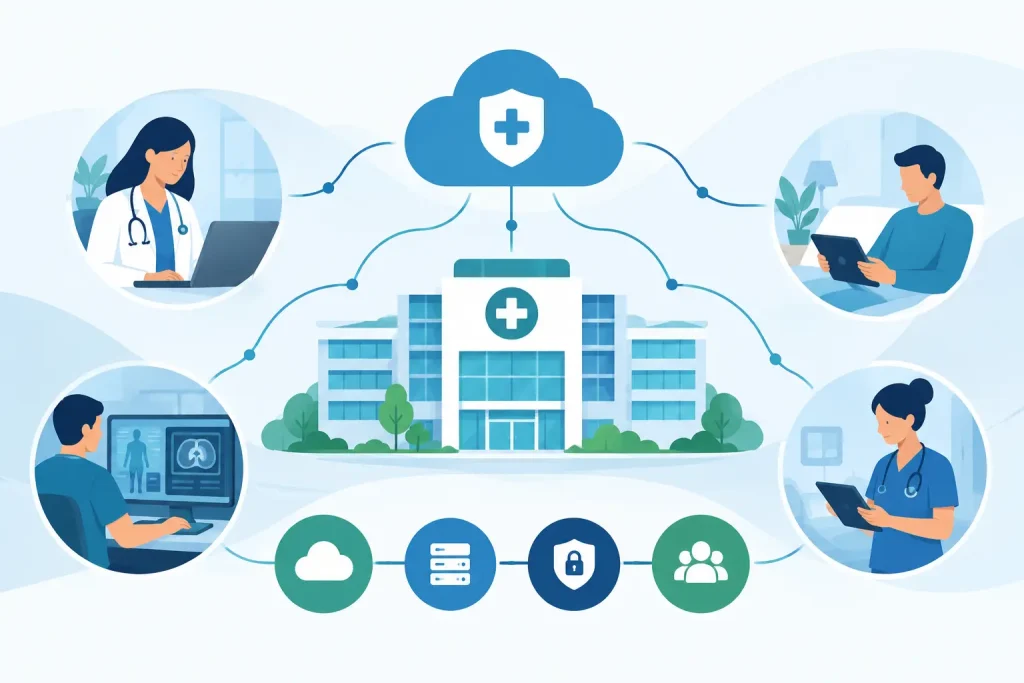
For healthcare, financial services, senior living, education, and multi-site operations, the priority is usually not simply restoring files. It is restoring the services that keep the organization operating. That may mean electronic records, phones, Wi-Fi, payment systems, tenant platforms, security cameras, identity systems, and the network services underneath them.
Why Ordinary Backups Fail During Ransomware Events
Traditional backups were often built to recover from hardware failure, accidental deletion, or an isolated database problem. Ransomware recovery is a different scenario. The attacker may have spent days or weeks inside the environment, moving laterally and collecting credentials before launching encryption.
If backups are connected to the same domain, accessible with the same administrative accounts, or retained only in one location, they are part of the attack surface. An administrator account compromise can become a backup compromise. A cloud backup platform without strong access controls may be more convenient than tape, but convenience is not the same as isolation.
There is also the problem of silent corruption. If malware was present for weeks before discovery, the most recent backups may contain infected or altered data. A recovery team needs multiple restore points and a documented method for identifying the last known clean version.
Recovery can fail for more practical reasons, too. A company may have backups but lack enough storage performance, clean infrastructure, licensing records, network bandwidth, or technical runbooks to restore quickly. Restoring several terabytes across multiple locations is not the same as recovering one deleted folder. The recovery time objective must be achievable in the real environment, not just stated in a policy.
What a Ransomware-Resilient Backup Design Looks Like
A useful starting point is the 3-2-1-1-0 model: maintain at least three copies of data, on two different media types, with one copy offsite, one copy immutable or offline, and zero unverified backup errors. The model is not a substitute for engineering, but it establishes the right discipline.
An effective design typically includes these four controls:
- Immutable backup copies that cannot be altered or deleted for a defined retention period, even if an attacker gains high-level access.
- Logical and administrative separation between production systems and backup systems, including separate credentials, restricted management access, and least-privilege permissions.
- Multiple retention points so recovery teams can restore to a version that predates the attacker’s activity.
- Routine validation and recovery testing that confirms data is usable, applications can start, and the documented recovery sequence works under pressure.
Immutability deserves special attention. It does not mean a backup platform is invulnerable. It means the organization has configured retention and access controls so backup data cannot be changed or purged until the retention period expires. The design must cover the backup repository, administrative identities, storage configuration, and monitoring. A poorly protected management console can undermine otherwise sound technology.
Offline copies remain valuable for certain organizations because they create physical or operational separation from the production environment. The trade-off is speed. An offline copy may take longer to access and restore, while an immutable cloud or appliance-based copy can support faster recovery. The right approach depends on the organization’s recovery objectives, data volume, compliance needs, and tolerance for downtime.
Restore the Business, Not Just the Data
The most common gap in ransomware planning is treating every system as equally important. They are not. A finance team may be able to work around a noncritical archive for several days. A senior living community cannot operate safely for long without communications, resident systems, or secure network access. A retail portfolio may prioritize payment processing, connectivity, and store operations before internal file shares.
That is why business impact analysis belongs beside backup design. Leadership should define which applications are mission-critical, how long each can be unavailable, how much data loss is acceptable, and what dependencies must be restored first. Those answers establish two practical targets: recovery time objective, or how quickly a service must return, and recovery point objective, or how much recent data the business can afford to lose.
A recovery sequence might begin with identity services, firewalls, core networking, and secure remote access. From there, the team can restore the virtual infrastructure, priority applications, databases, file services, and endpoints in a controlled order. Rebuilding a server before the underlying identity, DNS, storage, or network dependencies are healthy creates delays and confusion.
For organizations with multiple sites, connectivity is part of the recovery plan. A clean application environment is of limited use if branch offices, properties, or care locations cannot reach it. Redundant circuits, carrier escalation procedures, network documentation, and failover testing should be treated as continuity controls, not separate operational details.
Testing Is the Difference Between Backup and Recovery
A backup job marked successful only proves that a process completed. It does not prove the organization can recover a usable environment. Testing should include file-level restores, application restores, and periodic scenario-based exercises that simulate a ransomware event.
During a meaningful test, the team should answer practical questions. Can administrators access the backup platform if the primary identity environment is compromised? How long does it take to restore the largest critical database? Are application owners available to validate data? Does the restored system integrate correctly with phones, payments, clinical tools, or third-party platforms? Are clean recovery networks available before restored systems reconnect to production?
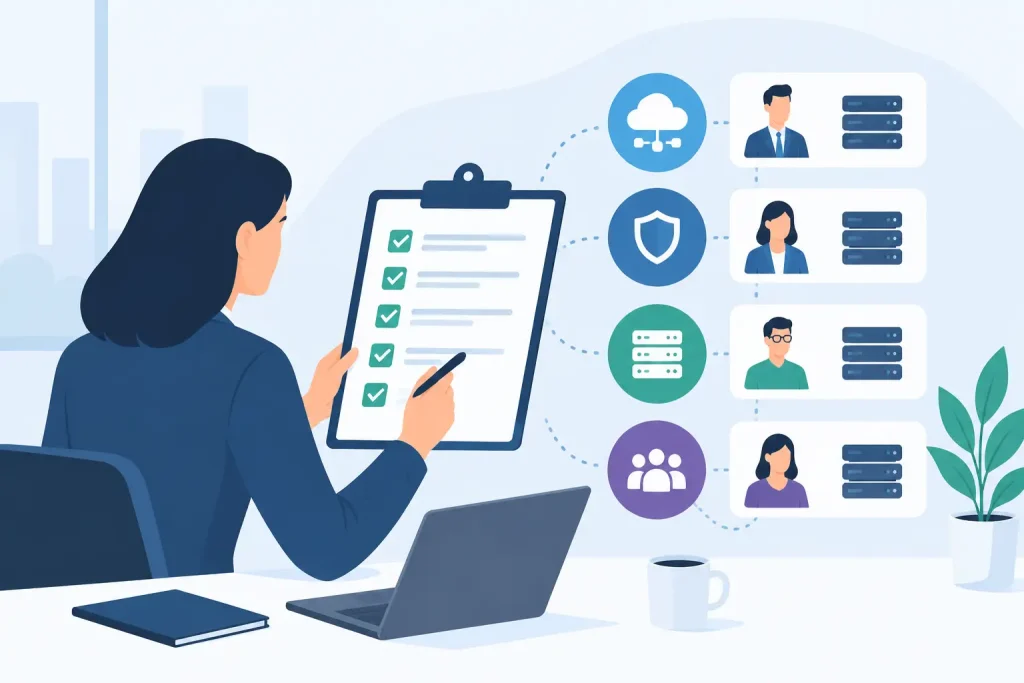
Testing also exposes ownership gaps. Security, IT, facilities, operations, legal, finance, and executive leadership each have decisions to make during a serious incident. If no one knows who can authorize emergency carrier changes, approve replacement equipment, notify customers, or bring a critical system back online, technical recovery slows down.
Build Backup Into a Wider Ransomware Response Plan
The strongest approach combines prevention, detection, containment, and recovery under one accountable operating model. Backup should be monitored alongside endpoint alerts, identity events, firewall activity, and network behavior. When an incident is suspected, the organization needs clear authority to isolate affected systems quickly, preserve evidence, engage specialists, and begin restoration from known-good copies.
This is where fragmented vendor relationships create risk. One provider may manage cloud backups, another the firewall, another the Internet circuit, and another the help desk. Each may perform its assigned task, but the client is left coordinating the response when minutes matter. A managed technology partner that understands the full environment can align recovery priorities with network dependencies, security controls, and business operations.
Southeast Networks approaches continuity as an operational responsibility, not a storage purchase. The objective is one team that owns the whole stack: the systems that run the business, the connectivity that reaches them, and the recovery process needed when an incident disrupts both.
The right question is not whether backups exist. It is whether your organization can restore the services people depend on, from a clean and protected copy, within a time frame the business can actually tolerate. That answer should be proven before an attacker forces the test.