
A commercial property network guide should begin with an operational fact: when connectivity fails, the building does not simply lose internet. Access control can stop responding, leasing teams lose cloud applications, security cameras go dark, payment systems fail, and tenants question whether the property is equipped for their business.
For commercial owners, developers, and facilities leaders, the network is now core building infrastructure. It deserves the same planning discipline applied to power, life safety, and physical security. The goal is not to install the fastest available circuit. The goal is to create a managed environment that supports daily operations, protects critical systems, and can adapt as the property changes.
Start With the Building’s Actual Operating Model
A medical office building, mixed-use development, retail center, and corporate campus may all require high-speed connectivity, but their failure points are different. A medical tenant may need segmented networks for clinical systems and guest access. A retail center may prioritize reliable payment processing, managed Wi-Fi, and camera uptime. A multi-tenant office property may need flexible carrier access and a clear demarcation strategy for tenants.
That distinction matters because a network designed around a generic bandwidth number often creates avoidable problems later. Assess what runs on the network, who owns each system, what must remain available during an outage, and where responsibility changes hands between landlord, tenant, provider, and managed services partner.
A sound assessment should document the physical and operational realities: telecom room condition, pathways and risers, existing circuits, Wi-Fi coverage, switch capacity, power protection, security devices, cloud applications, and the support process when something fails. It should also identify undocumented equipment. Many properties inherit a patchwork of aging firewalls, unmanaged switches, and carrier contracts with no clear owner.
Design for Uptime, Not Just Speed
Bandwidth matters, but it is only one component of network performance. A fast primary connection with no failover plan is still a single point of failure. The same is true for a well-designed Wi-Fi system connected to undersized switching, unstable power, or an unsupported firewall.
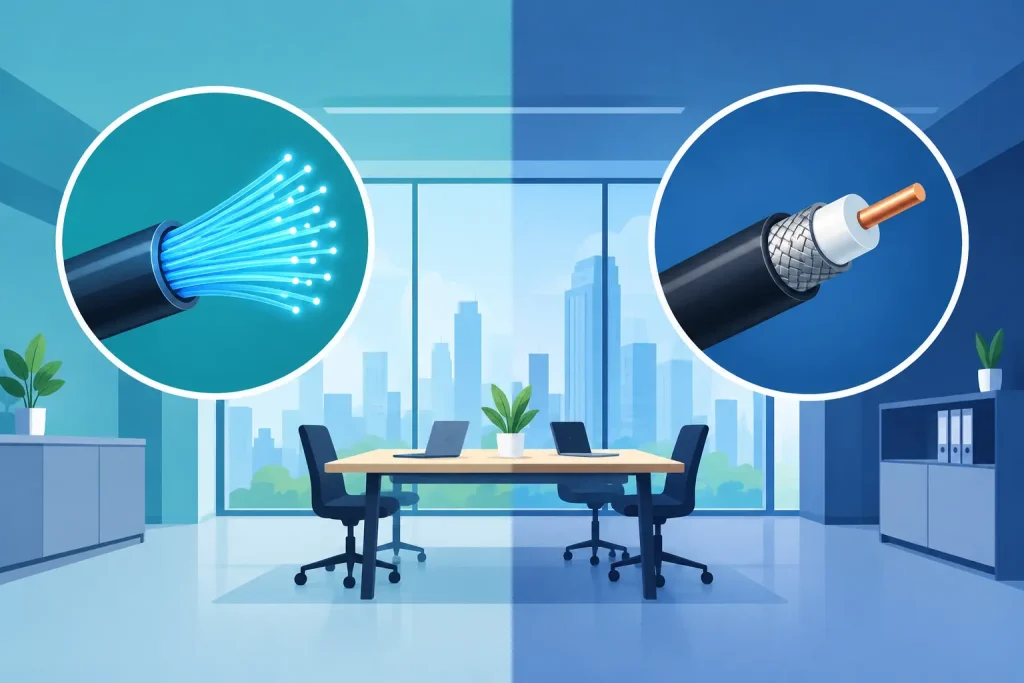
A resilient commercial property network typically combines a primary internet circuit with a secondary connection that uses a different path or carrier where practical. Fiber plus fixed wireless or cellular failover can be a sensible design when true carrier diversity is available. Two circuits from the same provider may look redundant on paper but can still share infrastructure upstream.
Redundancy should be matched to the consequence of downtime. A small administrative office may accept a brief interruption. A property with live access systems, surveillance, digital signage, cloud-based building controls, and revenue-generating tenants may require automatic failover and proactive monitoring. There is no universal design standard. The right investment depends on what an outage costs in lost productivity, tenant dissatisfaction, security exposure, and emergency response.
Power belongs in this conversation. Network closets need properly sized uninterruptible power supplies, environmental monitoring where warranted, and documented shutdown procedures. A network cannot be considered highly available if a minor power event takes down the firewall, switches, or carrier equipment.
Separate Building Systems From User Traffic
One flat network is easy to deploy and difficult to defend. Commercial properties frequently connect systems with very different risk profiles, including workstations, tenant Wi-Fi, cameras, door controllers, HVAC interfaces, audiovisual equipment, point-of-sale devices, and vendor-managed appliances.
These systems should not all have unrestricted access to one another. Network segmentation creates logical boundaries that limit the impact of a compromised device, misconfiguration, or malware event. At a minimum, building operations, staff devices, guest Wi-Fi, security systems, and tenant services should be evaluated as separate network zones.
Segmentation also improves troubleshooting. If guest traffic is consuming available bandwidth, operations staff should be able to identify and contain the issue without disrupting cameras or access control. If a vendor needs remote access to a building system, that access should be controlled, authenticated, logged, and limited to the systems required.
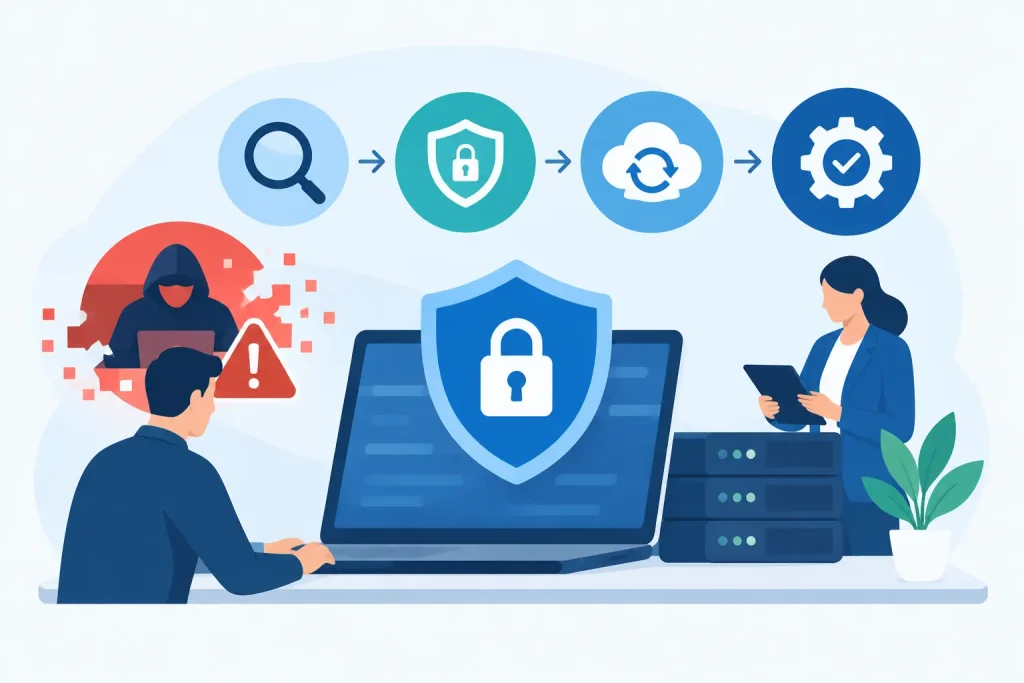
Security is not a product sitting at the edge of the network. It is an operating discipline that includes managed firewalls, endpoint protection, multifactor authentication, timely patching, configuration backups, alert review, and incident response ownership. Properties often rely on outside vendors for specialized systems, which makes clear access rules especially important.
Plan the Physical Layer Before Construction Is Finished
The lowest-cost time to improve network infrastructure is before walls are closed and tenants move in. Developers should treat telecom rooms, conduit pathways, cable routes, and equipment power as design requirements, not last-minute coordination items.
Each property needs a clean, secure location for network equipment with sufficient cooling, power, grounding, and room for growth. Cables should be labeled and documented. Racks should not become storage shelves. Carrier entry points and demarcation locations should be understood before service orders are placed.
For larger properties, fiber distribution between telecom rooms can provide the capacity and distance needed for reliable connections across floors or buildings. Wireless can extend coverage, but it should not be used as a substitute for structured cabling where fixed systems need dependable performance.
Wi-Fi design deserves the same rigor. Access point placement should be based on a site survey and expected device density, not simply square footage. Concrete, metal shelving, elevators, refrigeration equipment, and building layout can materially affect coverage. A lobby may need modest capacity, while a conference center, leasing office, or retail common area may need far more.
Make Carrier Strategy Part of Property Strategy
Carrier availability varies by address, building entrance, construction history, and local infrastructure. A carrier-neutral approach gives owners more options than accepting the first service provider that happens to have a nearby footprint.
Before committing, compare available circuits by more than monthly price. Review installation lead time, service-level commitments, route diversity, bandwidth scalability, repair escalation process, contract terms, and the provider’s ability to serve additional properties. A low-cost circuit with a slow repair process can become expensive during a prolonged outage.
For multi-site operators, standardizing connectivity design can simplify management and budgeting. That does not mean every site uses identical services. A flagship location may need redundant dedicated fiber, while a smaller site may operate effectively with business broadband and managed cellular backup. The standard should be the operating outcome: dependable service, secure access, known support ownership, and consistent visibility.
Define Who Owns the Outcome
The most persistent commercial property network problem is not a technical defect. It is vendor fragmentation. The internet provider blames the firewall, the firewall vendor points to internal switching, the cabling company says the issue is outside its scope, and building staff are left coordinating the response.
A managed model reduces that friction when one accountable team monitors the environment, manages carriers, maintains documentation, and owns escalation through resolution. This is especially valuable when IT responsibilities are shared among property management, corporate IT, building engineers, and specialized vendors.
Southeast Networks approaches this as one managed technology environment, not a collection of unrelated tickets. The practical benefit is simple: real engineers can trace an issue across connectivity, network hardware, security controls, and end-user impact instead of sending the property team into a 1-800 black hole.
Accountability should be defined before an incident occurs. Establish who receives alerts, who can approve emergency changes, how after-hours calls are handled, and what service response is expected. Keep current network diagrams, circuit records, equipment inventories, credentials, warranty details, and vendor contacts in a controlled documentation system. If the property changes hands or staff turnover occurs, that record becomes operationally critical.
Use a Practical Review Cycle
Networks age faster than buildings. Tenant requirements change, firmware reaches end of support, carrier contracts renew, and new building systems create additional exposure. A quarterly operational review and an annual infrastructure review can catch problems before they become outages.
Review circuit performance, failover results, Wi-Fi capacity, security alerts, patch status, backup configurations, equipment lifecycle, and open support trends. Test failover deliberately. A backup circuit that has never been tested is an assumption, not a continuity plan.
Growth should be considered in every review. A new tenant, a renovated floor, expanded camera coverage, or a shift to cloud-managed building systems can change the network’s requirements quickly. Planning those changes early protects budgets and avoids disruptive emergency work.
The strongest property networks are rarely the ones with the most equipment. They are the ones built around clear ownership, documented design, layered resilience, and a response plan that works when the building is under pressure. Treat the network as infrastructure, and it will support the property’s value long after the initial installation is complete.