A failed server at one location should not become a business-wide outage. Yet that is exactly what happens when backup decisions are reduced to cloud backup versus onsite storage, as if one option can cover every failure scenario. For organizations that depend on patient records, tenant systems, point-of-sale platforms, financial data, or classroom operations, the real question is simpler: how quickly can you recover, and what could stop you?
Backup is not just a storage decision. It is a business continuity design decision. The right approach accounts for accidental deletion, hardware failure, ransomware, an Internet outage, a fire, a regional disruption, and the practical reality of restoring data while employees and customers are waiting.
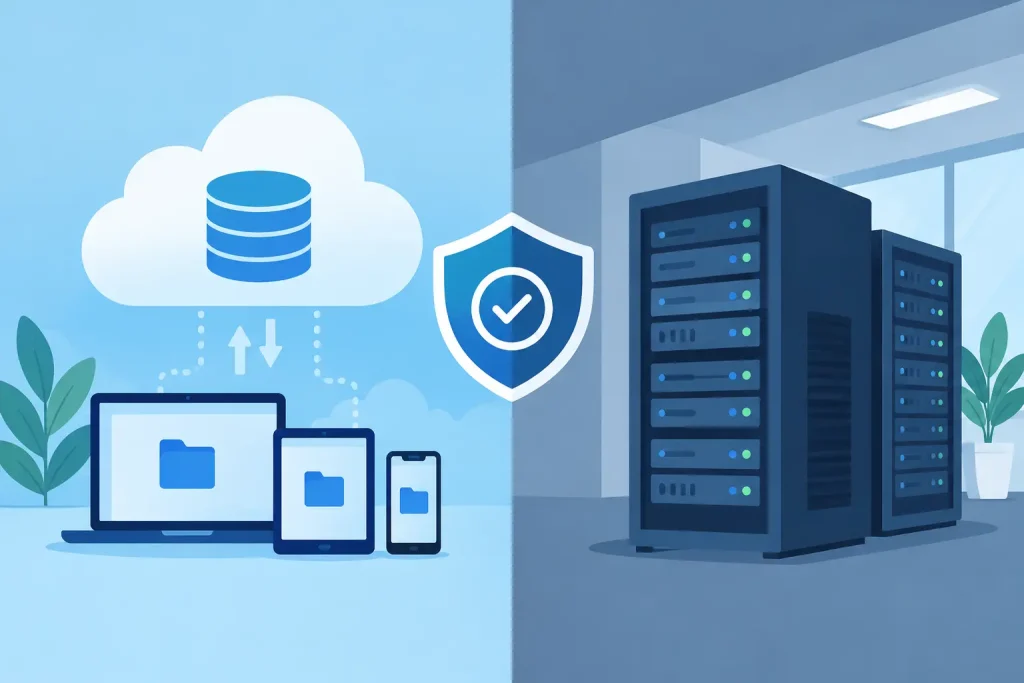
Cloud Backup Versus Onsite: The Core Difference
Onsite backup stores a copy of data at the business location or in a nearby facility under the organization’s control. This may include a backup appliance, network-attached storage, dedicated server, or encrypted removable media. Because the data is local, recovery can be fast when the primary environment fails but the facility remains operational.
Cloud backup sends encrypted copies of data to an offsite provider’s infrastructure. It protects against location-specific events that can affect both production systems and local backup equipment at once. A properly designed cloud backup environment can also retain multiple recovery points, replicate data across geographic regions, and support recovery from a different location.
Neither model is automatically better. Onsite backup is often faster to restore. Cloud backup is usually safer from a facility-level disaster. Organizations with meaningful uptime requirements commonly need both, with each layer assigned a clear purpose.
Why a Single Backup Location Creates Risk
A local backup appliance can be an excellent recovery tool after a failed drive, corrupted database, or accidental file deletion. It is close to the production system, does not depend on Internet bandwidth for every restore, and can return large data volumes quickly.
Its weakness is shared exposure. If a power event damages equipment, a fire affects the server room, a flood reaches the facility, or ransomware encrypts reachable backup storage, the production system and its recovery copy may fail together. Simply having a second device in the same building does not create disaster recovery.
Cloud-only designs create a different set of risks. Restoring a few files from the cloud is usually straightforward. Restoring terabytes of data, virtual machines, and critical applications can take much longer, especially at a site with limited upload and download capacity. During a carrier outage, cloud data may be protected but temporarily inaccessible from the affected location.
That is why the most reliable designs separate backup copies by both location and failure domain. They also use immutable or otherwise protected backup repositories that cannot be easily altered or deleted by a compromised administrator account.
Recovery Speed Is the Deciding Factor
When evaluating cloud backup versus onsite storage, leadership teams should start with recovery objectives rather than storage price. Two terms matter most.
The recovery time objective, or RTO, is how long a business can operate before a system must be restored. A senior living community may need access to care documentation within hours. A retail operator may need point-of-sale systems restored before the next operating day. A financial institution may have far less tolerance for downtime in transaction or communications systems.
The recovery point objective, or RPO, is how much data the organization can afford to lose. An hourly backup has an RPO of up to one hour. A nightly backup could mean losing an entire day’s transactions, records, or changes. For some systems, that loss is manageable. For others, it creates operational and compliance consequences.
A local recovery copy can support aggressive RTOs because large restores happen across the local network. An offsite copy protects the organization when the local environment is unavailable. Critical systems may require both: rapid local restore capability plus an offsite, immutable copy for a site-level event or ransomware incident.
The 3-2-1 Principle Still Applies
The familiar 3-2-1 backup principle remains useful because it addresses the core problem: one copy is never enough. Maintain at least three copies of important data, on two different types of media, with one copy stored offsite.
For many organizations, the modern version goes further. A practical design may include a production environment, an onsite backup repository for fast recovery, an encrypted cloud copy, and immutable retention for critical systems. This is sometimes described as a 3-2-1-1-0 approach: multiple copies, separate media, offsite protection, one immutable or offline copy, and zero unverified backup errors.
The final element matters. A backup job marked successful does not prove that an application can be restored. Files may be incomplete, credentials may be missing, databases may not mount correctly, or the recovery environment may lack required network configurations. Recovery must be tested, documented, and assigned to accountable people.
Ransomware Changes the Backup Conversation
Ransomware is no longer only an endpoint security issue. Attackers increasingly look for backup consoles, privileged credentials, exposed storage, and cloud administration accounts. Their goal is to prevent recovery before demanding payment.
An effective backup strategy limits that blast radius. Backup administration should use separate credentials and multifactor authentication. Backup repositories should not be broadly accessible from user networks. Retention policies should prevent an attacker from immediately deleting all recovery points. Alerts should flag failed jobs, unusual deletion activity, and capacity issues before they become a recovery failure.
Immutability is especially valuable, but it is not a substitute for design. An immutable copy that cannot be restored within the business’s RTO may satisfy a retention requirement while still leaving operations down for days. Security and recoverability have to work together.
What to Back Up First
Not every workload deserves the same recovery target. Treating all data equally raises costs without necessarily improving resilience. A business impact assessment should identify the systems that directly affect operations, revenue, safety, compliance, and customer experience.
For a multi-site organization, priorities often include line-of-business applications, virtual servers, identity services, shared files, email data, VoIP configurations, network device configurations, and security logs. A retail business may prioritize point-of-sale and inventory systems. A healthcare or senior living organization may place clinical, resident, and communications platforms at the top of the list. Property operators may need leasing, access control, and building-management data recovered quickly.
This assessment should also identify dependencies. Restoring an application server is not helpful if the database, domain services, firewall rules, or Internet circuit configuration needed to reach it are unavailable. Recovery plans should reflect how systems actually operate, not how they appear on an asset list.
Build for the Failure You Can Actually Survive
The best backup architecture is based on credible scenarios. If the primary concern is a failed server, onsite recovery capacity may carry much of the workload. If a facility could become inaccessible, offsite recovery and alternate connectivity become more important. If ransomware is the dominant risk, immutable copies, separated administration, and restoration testing should be non-negotiable.
Bandwidth deserves a direct review. Cloud backup may work well overnight, but the available connection may not support a full restore in the required window. Carrier diversity, failover connectivity, and recovery staging can materially change the outcome. A backup strategy cannot be separated from the network that must carry it.
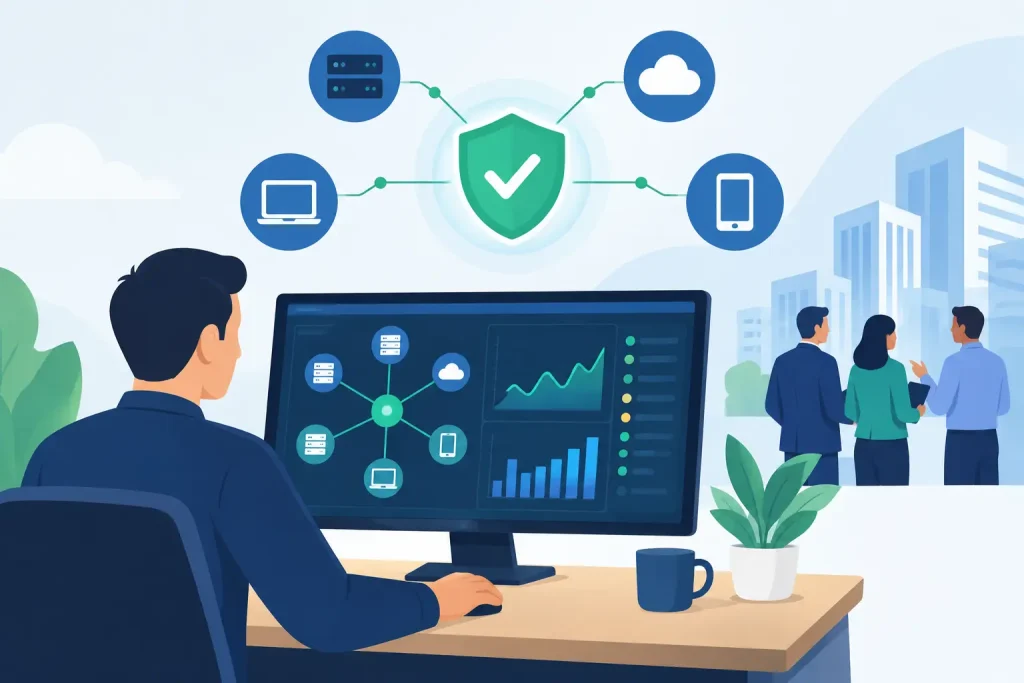
For organizations with limited internal IT resources, ownership is equally important. There should be one clearly accountable team that monitors backup success, validates recovery points, maintains documentation, and coordinates the response when an incident occurs. A list of software licenses and vendor support numbers is not a recovery plan.
Southeast Networks approaches backup and disaster recovery as part of the full operating environment: infrastructure, connectivity, security, endpoints, and the people responsible for restoring service. That integrated view reduces the gaps that appear when multiple vendors each own only one piece of the problem.
Choose Layers, Then Prove They Work
Cloud and onsite backup are strongest when they are designed as complementary recovery layers, not competing products. Local copies can reduce downtime after common failures. Cloud copies can preserve recoverability when the building, hardware, or local network cannot. Immutable retention can protect against deliberate destruction of backup data.
The useful closing question is not, “Where is our backup?” It is, “Can we restore the systems that matter, within the time the business can tolerate, under the conditions most likely to disrupt us?” Run that test before an incident makes the answer urgent.