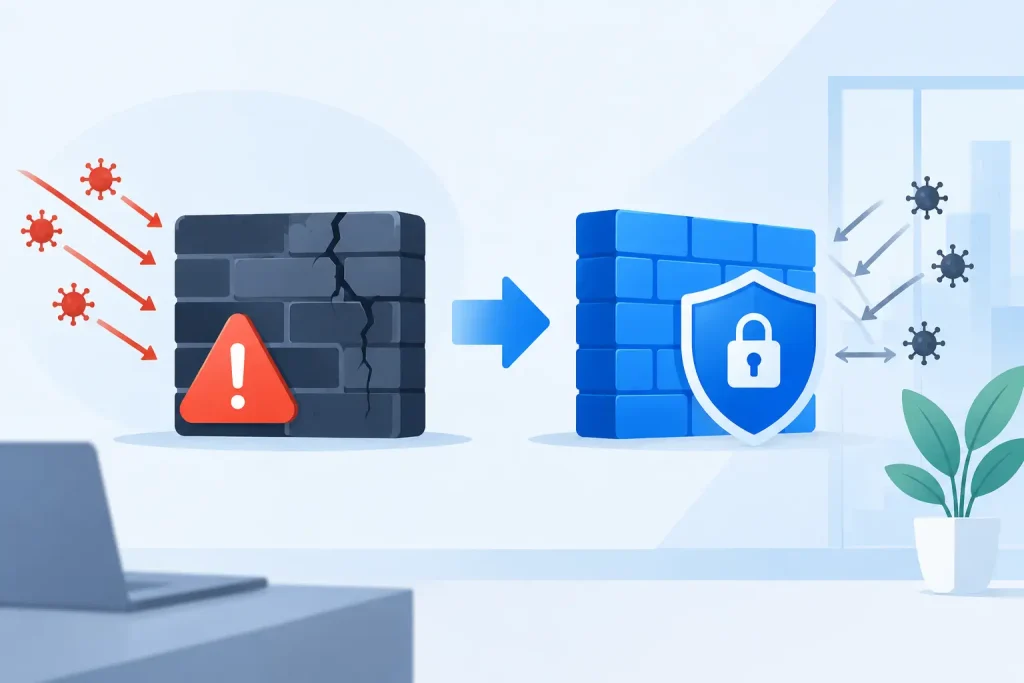
A firewall can appear to be working right up until it becomes the reason a location slows down, an application fails, or a security incident spreads farther than it should. The question of when should businesses replace firewalls is not answered by age alone. It is answered by whether the device can still enforce security policy, sustain business traffic, support modern connectivity, and recover cleanly when something goes wrong.
For organizations with multiple sites, regulated data, guest Wi-Fi, cloud applications, and always-on operations, a firewall is not a passive appliance at the edge of the network. It is a control point for access, performance, visibility, and continuity. Waiting for a failure or a breach to force a replacement is rarely the lowest-cost option.
Replace a firewall before support and security coverage end
The clearest replacement trigger is end of life or end of support. Once the manufacturer no longer provides firmware updates, security patches, hardware replacement coverage, or technical assistance, the firewall becomes a growing operational liability.
A device can continue passing traffic after support expires. That does not make it acceptable for a healthcare facility, financial office, senior living community, school, or multi-site retail operation. New vulnerabilities continue to emerge, and unsupported equipment may no longer meet cyber insurance requirements, compliance expectations, or internal risk standards.
Support status should be reviewed well before the final date. A planned replacement gives the organization time to document requirements, select the right platform, stage the configuration, test failover, and schedule a cutover that does not interrupt operations. An emergency replacement usually means accepting whatever equipment is available and configuring it under pressure.
When should businesses replace firewalls for performance?
Performance limits are often missed because standard internet speed tests do not show the whole picture. A firewall may handle basic traffic adequately, then struggle when security services are turned on. Intrusion prevention, encrypted traffic inspection, web filtering, application control, VPN access, and logging all consume processing capacity.
The result can look like an ISP issue, an application issue, or a general “slow network” complaint. Users may experience delayed cloud applications, choppy voice calls, poor video meetings, failed payment transactions, or unreliable remote access. Meanwhile, the circuit itself may be operating normally.
Replacement becomes necessary when the firewall cannot sustain expected throughput with the security features the business actually needs enabled. It is particularly common after an internet upgrade. A location may move from a 100 Mbps circuit to a gigabit connection but retain a firewall sized for much lower inspected throughput. The business pays for bandwidth it cannot consistently use.
Capacity planning should also account for peak conditions, not average utilization. A firewall that runs comfortably on a typical Tuesday may be overloaded during software updates, a busy retail period, a major cloud backup window, or an incident that generates unusual traffic. A reasonable design leaves headroom for growth and for security controls to operate without degrading critical services.
Security requirements have outgrown the existing device
A firewall replacement is warranted when the current platform cannot support the protections required by the organization’s risk profile. That might include modern threat prevention, DNS security, secure web access, remote-user controls, network segmentation, multi-factor authentication integration, or meaningful event logging.
This does not mean every business needs every advanced feature switched on. Security architecture should match the environment. A small administrative office has different needs than a senior living campus with connected care systems, guest networks, cameras, staff devices, and multiple buildings. The point is to confirm that the firewall can enforce the policies the business has chosen, not simply keep an internet connection active.
Visibility matters as much as blocking capability. If the IT team cannot see which applications consume bandwidth, which devices are communicating externally, or which traffic was blocked and why, incident response becomes slower and less certain. Older firewalls frequently provide limited reporting, weak log retention, or management tools that no longer fit a distributed environment.
Encrypted traffic creates another practical trade-off. Inspecting encrypted sessions can expose threats that would otherwise pass through unseen, but it also requires processing power, thoughtful policy design, and attention to privacy-sensitive applications. If a firewall cannot inspect traffic at the needed scale, the organization must either accept reduced inspection or replace the platform.
Growth, new locations, and network changes are replacement events
A firewall that was appropriate for one office may not be appropriate for five. Growth changes the network’s demands: more users, more SaaS applications, more devices, more remote workers, more third-party connections, and more requirements to separate traffic between departments or tenants.
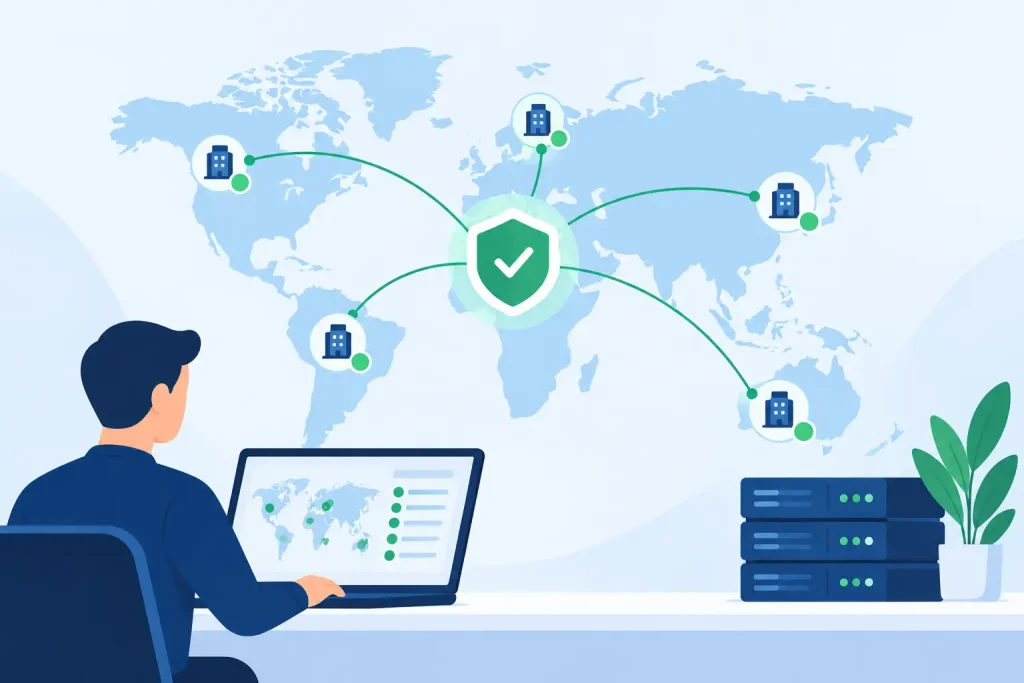
New sites should not be treated as isolated technology purchases. The better question is whether the existing firewall architecture can provide consistent policy, visibility, and support across the business. Managing each location with different equipment, different rules, and different vendors creates avoidable gaps. It also makes troubleshooting during an outage far more difficult.
Major network projects are an especially good time to assess firewall life cycle. These include opening a location, moving offices, deploying VoIP, replacing core switching, adding backup internet, adopting cloud applications, or introducing a new electronic health record or payment platform. The firewall sits at the intersection of each of these changes. Reusing an aging device can turn a well-planned project into a bottleneck.
Repeated outages and workarounds are warning signs
Frequent reboots, unexplained packet loss, dropped VPN tunnels, unstable voice traffic, failed failover events, and recurring configuration issues should be investigated as operational signals. They do not automatically prove that the firewall must be replaced. A circuit problem, switching loop, poor Wi-Fi design, or flawed policy may be the actual cause.
But repeated workarounds are a concern. If staff have learned to reboot the firewall after a certain type of failure, disable a security feature to improve performance, or route around a device to keep a service running, the environment is no longer operating with dependable controls. Those actions may restore service temporarily while increasing exposure or making the next outage harder to diagnose.
A proper assessment should review hardware health, interface errors, processor and memory use, current software versions, VPN stability, security logs, configuration quality, and failover behavior. It should also evaluate the path beyond the firewall, including carrier circuits, switches, wireless infrastructure, DNS, and cloud services. Real engineers should identify the source of the problem before recommending hardware.
Do not replace hardware without reviewing the design
Replacing an old firewall with a newer model is not automatically an upgrade if the design remains weak. Many organizations inherit years of temporary rules, overly broad access policies, unused VPN accounts, flat internal networks, and exceptions that nobody can explain. Moving that configuration directly onto new equipment preserves the same risk.
Use the replacement project to clean up policy and confirm what must remain accessible. Segment guest traffic from corporate systems. Separate payment, clinical, operational, and building-management devices where appropriate. Review administrative access. Confirm that remote users and vendors receive only the access required for their work. Test backup connectivity and document the expected behavior during a circuit outage.
This is also the time to establish ownership. A firewall is most effective when one accountable team can coordinate the device, the internet circuits, internal network, Wi-Fi, voice environment, and security response. When those components are split across vendors, each party can point elsewhere while the business waits for resolution.
How to plan a low-risk firewall replacement
The goal is not simply to install a new appliance. The goal is to preserve business operations while improving security and control. Start with a current-state review that identifies applications, circuits, IP addressing, site-to-site connections, remote-access users, network segments, critical vendors, and compliance needs.
Then size the replacement around inspected throughput, not just advertised firewall speed. Account for expected user growth, cloud adoption, voice and video traffic, logging, VPN demand, and backup internet. In multi-site environments, consider how policies will be managed consistently and how a local outage will be supported.
Before cutover, build and validate the new configuration, then schedule a maintenance window aligned to the organization’s operational reality. A retail location, medical office, or senior living community may need a different cutover approach than a traditional corporate office. Test primary and backup connectivity, voice services, critical applications, remote access, and monitoring after the change. Keep a documented rollback plan, even when the deployment is carefully staged.
Southeast Networks approaches this work as part of the full operating environment, not as a standalone hardware sale. Firewall decisions affect carrier connectivity, Wi-Fi, voice, endpoint security, help desk response, and disaster recovery. One team that owns the whole stack can identify dependencies before they become downtime.
The best time to replace a firewall is while the business still has control over the schedule, budget, and design. Review its support status, measured performance, security capabilities, and role in the broader network now. A planned replacement protects more than the perimeter – it protects the people and operations that depend on the network staying available.