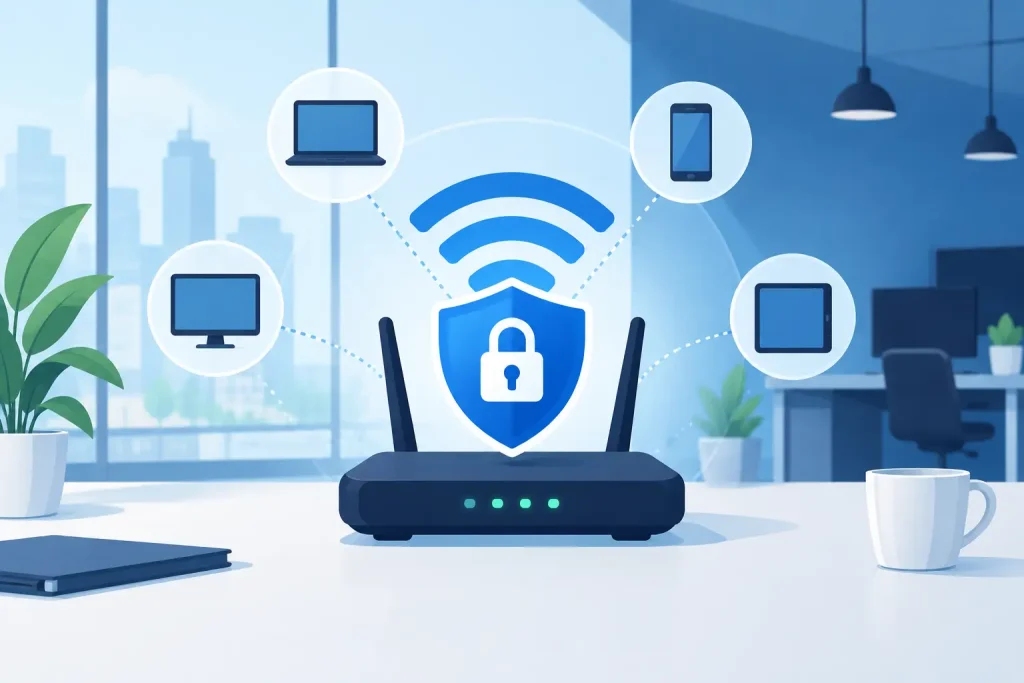
A wireless breach rarely begins with a dramatic failure. More often, it starts with an old access point that missed a firmware update, a shared password that never changed after an employee left, or a guest network sitting too close to business systems. The best business wifi security practices address these ordinary gaps before they become an outage, a compliance event, or a costly disruption to operations.
For organizations with multiple locations, regulated data, connected building systems, or high volumes of guests, Wi-Fi is not a convenience layer. It is production infrastructure. It deserves the same design discipline, visibility, and ownership as the wired network, Internet connection, endpoints, and security stack behind it.
Start With a Secure Wireless Architecture
Strong wireless security starts before anyone enters a password. The network must be designed around who and what needs access, not around a single wireless signal reaching every corner of a building.
A business should separate corporate users, guests, managed devices, and operational technology into distinct network segments. Staff laptops may need access to internal applications and shared services. Guest devices should reach the Internet and nothing else. Cameras, HVAC controls, point-of-sale systems, badge readers, and medical or life-safety devices may require tightly restricted communications with only the systems they need.
This segmentation limits the damage when a device is compromised. If a guest phone connects to a malicious site, it should not have a route to financial records, patient information, employee workstations, or a building management controller. If an IoT device is vulnerable, it should not become an easy path into the corporate environment.
Use the Right Encryption and Authentication
WPA3 Enterprise with 802.1X authentication is the preferred standard for corporate wireless where supported. It gives each authorized user or device an individual identity rather than relying on one shared password. Access can be tied to a directory, identity provider, or certificate system, making it easier to control privileges and remove access immediately when a role changes.
Some environments still need WPA2 Enterprise or a carefully managed transitional configuration because older scanners, medical devices, printers, and specialized operational equipment may not support WPA3. That is a legitimate compatibility issue, not a reason to lower security across the entire network. Place legacy devices on their own segment, restrict their traffic, and create a replacement plan.
A shared wireless password may be acceptable for a limited guest network, but it is a weak choice for internal operations. Once a shared password spreads through text messages, personal notes, former employee devices, and vendor contacts, there is no reliable way to know who still has access.
Apply Access Controls That Match Real Operations
The strongest encryption does little if access is granted too broadly. Wireless access should follow the same least-privilege model used for applications and administrative systems.
For employees, use individual authentication and require multifactor authentication where the identity platform supports it. For company-owned devices, certificate-based access can reduce password exposure and prevent unmanaged devices from joining a protected network. For contractors and vendors, provide time-limited access with a clearly defined network scope instead of handing out internal credentials.
Guest access should be isolated from internal systems, rate-limited when necessary, and governed by a documented policy. A captive portal can set expectations and collect acceptance of terms, but it is not a security control by itself. The isolation behind that portal is what matters.
The same principle applies to device allowlists and MAC filtering. They can add friction for casual misuse, but MAC addresses can be copied and should never be treated as a primary defense. Identity-based authentication, segmentation, and monitoring provide more meaningful protection.
Keep the Wireless Stack Current
Access points, wireless controllers, firewalls, switches, and cloud management platforms all run software that can contain exploitable flaws. Patch management must include the wireless environment, not stop at laptops and servers.
Maintain an inventory of every access point, its model, location, serial number, software version, and support status. This matters most in multi-site environments, where a forgotten device at one property can create an opening across a standardized network design. Unsupported hardware should be identified before it becomes a business continuity problem.
Patching should be planned, tested where practical, and performed within a defined maintenance process. Critical security fixes may require faster action, while routine updates can be scheduled around operating hours. The objective is not to patch recklessly. It is to avoid the far more expensive risk of leaving known vulnerabilities in place because no one owns the schedule.
Design Guest and IoT Networks as Separate Risk Zones
Guest Wi-Fi and IoT devices create different security challenges, but both should be treated as untrusted until proven otherwise.
Guest wireless must be separated at the firewall level, with no access to private address ranges, internal DNS, administrative interfaces, or shared services. Network isolation within the guest SSID can also prevent one guest device from directly reaching another. This is particularly useful in senior living, multifamily, retail, and education settings where many personal devices share the same wireless coverage.
IoT requires more attention because these devices often remain in service for years and may have limited update support. Build separate segments for classes of devices where possible, then permit only necessary traffic. A camera may need to communicate with a video management server. It does not need open access to employee workstations or the Internet at large.
Before adding any new connected device, confirm who owns it, how it is updated, what data it handles, and what systems it must reach. If no one can answer those questions, the device is not ready for production.
Monitor Wireless Activity, Not Just Internet Uptime
A network can appear operational while a security issue develops quietly inside it. Centralized monitoring should provide visibility into access point health, unauthorized devices, authentication failures, unusual traffic patterns, and changes to configuration.
Repeated failed logins may indicate a compromised credential or an employee struggling with a device. A new access point broadcasting a similar network name could be a rogue device or an unauthorized personal router. Unexpected data transfers from an IoT segment may point to a misconfiguration or compromise. These signals are most useful when someone is assigned to review, investigate, and act on them.
Logging should support both operational troubleshooting and incident response. Retain records for a period that fits the organization’s regulatory, legal, and business requirements. Healthcare, financial services, and education organizations may have additional obligations, but every business benefits from being able to reconstruct what connected, when, and where during an incident.
Treat Physical Security as Part of Wi-Fi Security
Wireless systems are managed through physical equipment. An unlocked network closet, exposed switch, or accessible reset button can defeat carefully designed digital controls.
Secure access points, switches, controllers, and telecom rooms from unauthorized access. Disable unused switch ports or place them in a restricted network. Protect management interfaces with separate administrative access, strong credentials, and multifactor authentication. Back up configurations so a failed or tampered device can be restored quickly without rebuilding the environment from memory.
Physical considerations also affect wireless coverage. An access point installed to solve a dead zone may extend usable signal well beyond the intended building area. A site survey and periodic coverage review help balance user experience with appropriate signal containment.
Make Ownership and Response Procedures Clear
Technology controls fail when accountability is fragmented. One vendor may provide the Internet circuit, another may install access points, and an internal team may manage identities and endpoints. During an incident, that arrangement can turn a straightforward problem into a series of handoffs.
Document who owns wireless configuration, firewall policy, identity integration, patching, monitoring, and escalation. Define what happens when a suspected rogue device, credential compromise, or access point failure is identified. The response process should include containment, investigation, communication, recovery, and a review of what needs to change afterward.
For distributed organizations, standardize the baseline while allowing for site-specific realities. A retail location, a senior living community, and a commercial office may require different coverage and device policies, but they should not each invent their own security model. Consistency improves support, reduces configuration drift, and makes risk easier to manage.
Best Business WiFi Security Practices Require Ongoing Discipline
Wireless security is not a one-time installation task. It is an operating discipline that combines secure architecture, controlled access, current software, active monitoring, and accountable support.
The practical test is simple: when a device, credential, or access point becomes a problem, can your organization quickly determine what is affected, contain the risk, and restore normal operations? That is the standard Southeast Networks applies to managed environments: one team that understands the dependencies and owns the outcome across the stack.