Insights

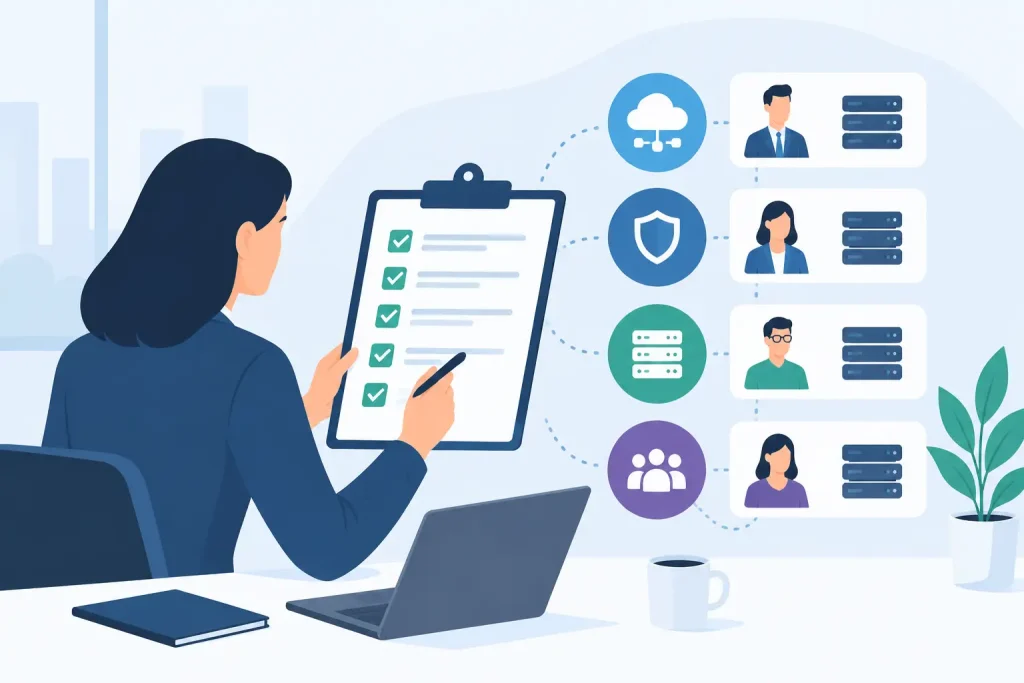
Who Needs Network Monitoring? A Business Case

Who Needs Network Monitoring? A Business Case

A call center loses voice service for 20 minutes. A senior living community cannot access cloud-based resident records. A retailer’s payment terminals go offline at peak hours. In each case, the question is not whether the organization has a network. It is who needs network monitoring before a small fault becomes an operational event.

The short answer is any organization where connectivity, applications, devices, or communications affect revenue, safety, compliance, customer experience, or daily operations. That includes far more businesses than the traditional image of a large enterprise data center.

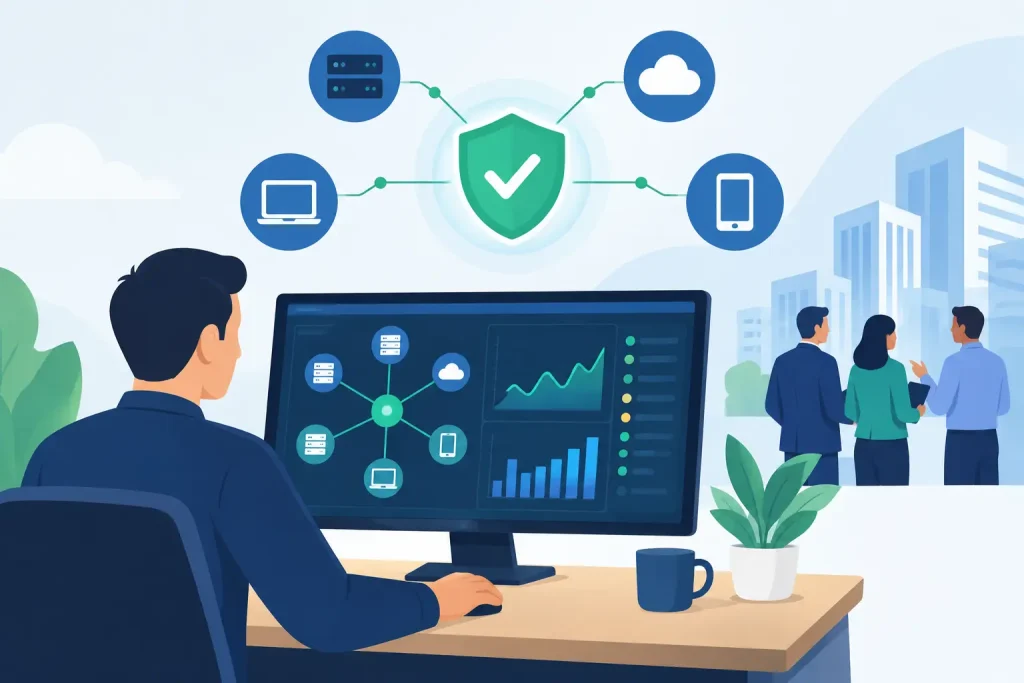
Network monitoring is not simply watching for an internet outage. It is continuous visibility into the health and performance of the infrastructure people depend on: circuits, firewalls, switches, Wi-Fi, access points, servers, VoIP systems, critical applications, and connected endpoints. Done well, it identifies warning signs early, gives engineers useful diagnostic data, and creates a clear path to resolution when something fails.

Who Needs Network Monitoring Most?

Organizations with a single office and a small number of users may be able to tolerate some manual troubleshooting. Even then, that decision depends on the cost of interruption. Once an organization has multiple locations, shared cloud applications, guest Wi-Fi, payment systems, voice services, compliance obligations, or limited internal IT coverage, reactive support becomes a costly operating model.

The businesses that benefit most are those that cannot reasonably tell employees, customers, patients, residents, students, or tenants to wait while someone figures out what went wrong.

Healthcare and senior living providers

Clinical and care environments rely on stable connectivity for records access, communications, security systems, medication workflows, guest services, and connected devices. A network issue may not always stop patient care, but it can slow decisions and create risk at the worst possible time.

Monitoring helps distinguish between an internet carrier problem, a local switching issue, degraded Wi-Fi coverage, an overloaded circuit, or a failing device. That distinction matters because the fastest fix starts with knowing where the problem actually sits. For organizations managing several facilities, centralized visibility also prevents site staff from becoming the default technology help desk.

Retail and customer-facing locations

For retailers, restaurants, financial branches, and service businesses, a network outage can immediately affect transactions, inventory access, customer communications, and brand trust. A store may still have power and open doors, yet be unable to process card payments or reach its business applications.

Network monitoring gives operations and IT teams a way to see whether an outage is isolated to one location, caused by a circuit failure, related to firewall performance, or affecting a broader service. It also supports better conversations with carriers. Instead of reporting that “the internet is slow,” a team can provide timestamps, packet loss data, circuit status, and evidence of the affected path.

Multi-site organizations

The need becomes more urgent as locations multiply. A commercial property group, private education network, multi-dwelling unit operator, or regional business may have different circuits, equipment ages, and local vendors at each site. Without centralized monitoring, every incident starts as an investigation.

That lack of consistency creates vendor friction. Someone has to determine whether to call the internet provider, phone vendor, cabling contractor, Wi-Fi provider, managed IT company, or application support desk. A monitored environment shortens that process by showing what is healthy, what changed, and who owns the next action.

Organizations with voice, cloud, and security dependencies

Cloud adoption does not eliminate network responsibility. It makes network performance more visible to every user. When business applications, file platforms, customer systems, and collaboration tools live outside the building, internet quality and internal network design directly affect productivity.

The same is true for VoIP. Poor call quality is often blamed on the phone system, but the underlying cause may be jitter, latency, packet loss, Wi-Fi interference, or an overloaded connection. Monitoring turns those complaints into measurable conditions that engineers can diagnose and correct.

Security adds another reason. Unexpected traffic patterns, repeated device failures, configuration changes, or loss of communication with a firewall can signal more than a routine performance problem. Monitoring does not replace a complete cybersecurity program, but it provides visibility that helps teams recognize when the environment is behaving abnormally.

What Network Monitoring Should Actually Watch

A basic uptime check has value, but it is not enough for a business that depends on technology. A circuit can be technically online while users experience slow applications, dropped calls, or unusable Wi-Fi.

Effective monitoring looks at availability and performance together. That includes internet circuit status, bandwidth utilization, latency, packet loss, and jitter. It also tracks the health of core network equipment, firewall status, switch ports, wireless access points, and critical services. For environments using VoIP, visibility into call-quality conditions is especially valuable.

The goal is not to generate a flood of alerts. It is to create actionable awareness. Alerts should be prioritized, routed to the right team, and tied to documented response procedures. An alert at 2:00 a.m. only improves resilience if someone is accountable for reviewing it and acting appropriately.

This is where the difference between software and managed oversight becomes clear. Monitoring tools can collect data. They do not automatically coordinate a carrier escalation, replace failing equipment, validate a fix, or explain the business impact to leadership. Those outcomes require capable people and defined ownership.

The Cost of Waiting for Users to Report a Problem

Most organizations already have a form of monitoring: employees call when something is broken. The issue is that users typically report symptoms after performance has already degraded enough to affect work.

By that point, the business may be losing transactions, delaying care, fielding customer complaints, or pulling internal staff away from higher-value work. The resulting ticket may contain limited details, particularly when the issue is intermittent. A network can recover before an engineer begins investigating, leaving no clear evidence of what happened.

Proactive monitoring creates a better timeline. It can show that packet loss began at 10:14 a.m., a firewall interface reset at 10:18, and service recovered after the carrier performed maintenance at 10:31. That information supports faster remediation and more accurate accountability.

It also changes maintenance planning. Persistent high bandwidth utilization, recurring wireless congestion, or repeated hardware alerts give leaders a basis for investment decisions before a failure forces an emergency purchase.

When Basic Monitoring May Be Enough

Not every organization requires a 24/7 network operations model from day one. A small professional office with one internet circuit, minimal cloud dependency, and staff who can tolerate occasional disruption may need straightforward device and connection alerts rather than full managed response.

But basic monitoring should be a deliberate choice, not an assumption based on company size. A ten-person financial office, medical practice, or specialty retailer may have greater downtime exposure than a larger company whose work can continue offline for several hours.

The right level of monitoring depends on operational impact, not the number of network devices. Consider what happens if each critical system is unavailable for an hour, who notices first, who responds, and whether that response team has the authority and technical context to resolve the issue.

Monitoring Works Best When One Team Owns the Stack

Fragmented responsibility is a common reason network incidents take too long to resolve. The internet provider says the circuit is operational. The phone vendor says the phones are reachable. The application provider says its platform is available. Meanwhile, users still cannot work.

A managed technology partner that can see the connectivity, network hardware, voice environment, and support history has a stronger position to isolate the failure. That is the value of one team that owns the whole stack: fewer handoffs, clearer escalation, and one accountable point of contact.

For Southeast Networks clients, monitoring can be part of a broader managed environment that includes IT support, carrier services, cybersecurity, voice, and business continuity planning. The practical advantage is not another dashboard. It is coordinated execution when the business needs answers.

Network monitoring earns its place when it reduces uncertainty. If your operations depend on technology, the better question is not whether a failure will occur. It is whether your team will know about it early enough, understand it clearly enough, and have the right people ready to own the response.
Managed Endpoint Security Guide for Business

Managed Endpoint Security Guide for Business

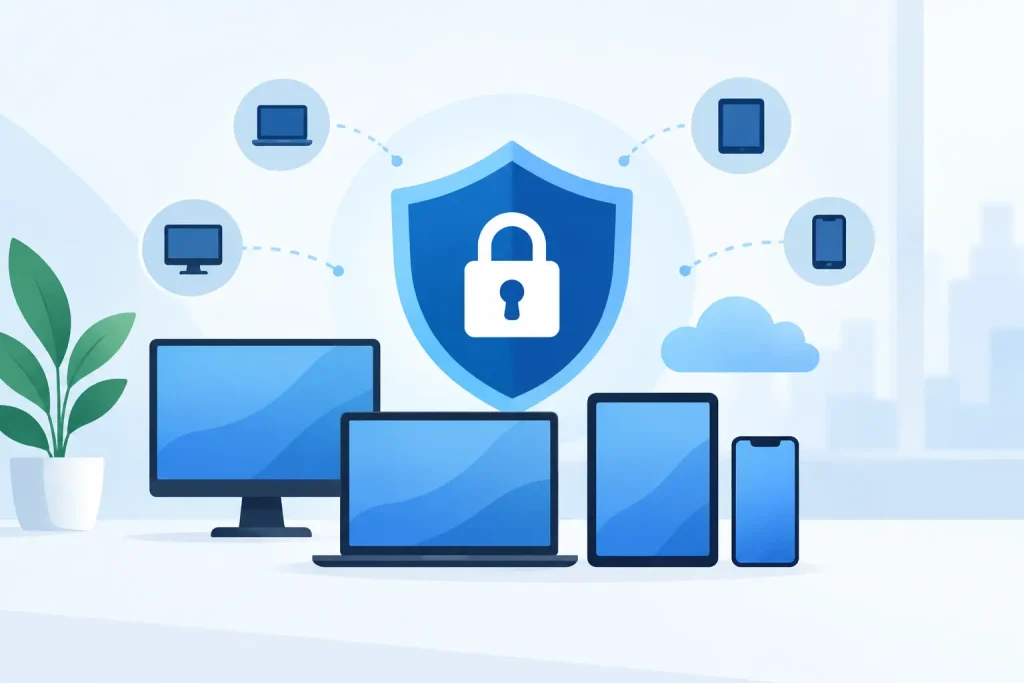
A managed endpoint security guide should start with a business reality: every laptop, mobile device, workstation, server, and tablet is a potential path into your environment. For a multi-site healthcare group, senior living operator, financial institution, or property portfolio, one compromised endpoint can disrupt patient services, expose sensitive records, interrupt payments, or create a costly recovery effort.

Endpoint security is not simply antivirus installed across company devices. It is an operating discipline that combines visibility, prevention, response, policy enforcement, and accountable support. The objective is straightforward: reduce the chance that a device becomes an entry point, and limit the operational impact when something gets through.

What Managed Endpoint Security Actually Covers

An endpoint is any device that connects to your network, applications, or business data. That includes company-issued laptops and desktops, mobile phones, point-of-sale terminals, shared workstations, virtual servers, and sometimes personally owned devices used for work.

Managed endpoint security places ongoing responsibility for protecting those devices with a technology partner or internal team operating a defined security program. The provider should not just deploy a tool and send a monthly report. It should monitor alerts, maintain endpoint policies, investigate suspicious activity, coordinate remediation, and document what happened.

A complete service commonly includes endpoint detection and response, managed antivirus, device monitoring, patch management, disk encryption, identity controls, vulnerability management, and security reporting. The exact mix depends on risk, compliance obligations, device types, and the organization’s ability to respond internally.

The distinction matters. A security product detects signals. A managed security service gives those signals an owner.

Why Endpoint Risk Becomes an Operations Problem

Most endpoint incidents do not begin with a dramatic breach. They begin with an ordinary event: a user clicks a convincing email, reuses a password, installs an unauthorized application, delays a software update, or connects an unmanaged device to a business network.

The technical problem can become an operational problem quickly. Ransomware on a shared workstation may spread to file shares. A stolen unencrypted laptop may trigger notification obligations. An unpatched device at a remote location can give an attacker a foothold into the wider environment. If the affected device is tied to patient intake, access control, classroom operations, or tenant services, downtime becomes visible to customers and staff.

That is why endpoint security cannot sit apart from networking, identity, backup, and help desk operations. If a device must be isolated, someone needs to understand its business role, its network dependencies, its user, and the fastest safe path to restoration. One team that owns the whole stack can make faster decisions because it is not waiting for five vendors to determine where responsibility begins.

The Core Layers of a Managed Endpoint Security Program

No single control is sufficient. Effective programs use layers that overlap, so one missed patch or user mistake does not automatically become a business interruption.

Visibility and asset control

You cannot protect endpoints you do not know exist. Start with an accurate asset inventory that identifies each device, its owner, location, operating system, security status, and business purpose. This is particularly important for organizations with remote employees, shared devices, acquisitions, or multiple sites.

Inventory must be continuously maintained, not treated as a spreadsheet updated once a year. Devices appear, move, and disappear. A managed platform should flag endpoints that have stopped checking in, lack required software, or fall outside approved standards.

Prevention and policy enforcement

Modern endpoint protection should block known malware, suspicious behavior, malicious scripts, unsafe downloads, and unauthorized applications where appropriate. Policies should also enforce baseline standards such as screen locks, encrypted drives, supported operating systems, and restricted local administrative rights.

There are trade-offs. Overly aggressive controls can disrupt specialized applications, clinical systems, point-of-sale workflows, or facilities technology. Weak controls make support easier in the short term but create a wider attack surface. The right approach is to standardize the baseline, document exceptions, and review those exceptions regularly.

Detection, investigation, and response

Endpoint detection and response tools collect telemetry that can reveal behavior traditional antivirus may miss. Examples include unusual credential activity, attempts to disable security controls, rapid file encryption, or suspicious connections to external infrastructure.

Detection only adds value when someone reviews and acts on it. A managed service should define who monitors alerts, how events are triaged, when devices are isolated, who contacts your team, and what evidence is retained. For critical organizations, the response process should account for after-hours events and location-specific operational needs.

Patch and vulnerability management

Attackers frequently exploit known software vulnerabilities because patches are delayed or devices are missed. Patch management is therefore one of the highest-value endpoint controls, but it requires more than enabling automatic updates.

A sound process prioritizes critical vulnerabilities, tests updates where business applications are sensitive, schedules maintenance around operational windows, and verifies successful installation. If a patch cannot be applied, the risk should be documented with a compensating control and a clear plan for remediation.

Recovery readiness

Endpoint protection reduces risk. It does not eliminate it. When a device is compromised, recovery depends on tested backups, known-good configurations, documented access procedures, and a clear incident response plan.

For some organizations, reimaging a laptop is acceptable. For a specialized workstation attached to business-critical equipment, recovery may require vendor coordination and careful change control. Your endpoint strategy should identify these differences before an incident forces rushed decisions.

Managed Endpoint Security Guide: Questions to Ask a Provider

A provider’s technology stack matters, but accountability matters more. Before selecting a managed endpoint security partner, ask how the service works after an alert appears.

Request clear answers to these questions:

  • Who monitors endpoint alerts, and during what hours?
  • What events trigger immediate containment or escalation?
  • Can the provider isolate a compromised device without waiting for a separate vendor?
  • How are patches, exceptions, and unsupported operating systems tracked?
  • What reporting shows device compliance, open vulnerabilities, and incident activity?
  • How does the provider coordinate endpoint response with network, identity, backup, and help desk teams?

The answers should be operationally specific. “We provide 24/7 protection” is not enough if no one can explain escalation paths, response authority, or how a device is restored to service. Real engineers, not a 1-800 black hole, make a measurable difference during an active security event.

Building a Practical Rollout Plan

The best rollout sequence depends on the size and complexity of the environment, but it should begin with assessment rather than tool selection. Identify endpoints, critical applications, existing security controls, network segmentation, remote access methods, and gaps in patching or administrative privileges.

Next, establish a standard endpoint baseline. Define which devices are supported, what protections are mandatory, how encryption and updates are enforced, and who approves exceptions. This is also the time to align security policy with HR, compliance, operations, and facilities leadership. Security rules that ignore how people actually work are often bypassed.

Then deploy in phases. A pilot group can expose compatibility issues before broad enforcement. High-risk groups, such as administrators, finance users, remote employees, and users with access to regulated data, may deserve earlier attention. Multi-site organizations should also account for bandwidth, local support coverage, and location-specific applications.

Finally, measure the program. Useful metrics include endpoints under management, devices missing critical patches, encryption compliance, time to contain high-severity threats, repeat incident types, and unresolved exceptions. Metrics should support decisions, not create a reporting exercise with no owner.

Where Managed Services Deliver the Most Value

Managed endpoint security is especially valuable when internal IT teams are stretched across user support, projects, connectivity issues, and vendor coordination. It gives the organization a disciplined process without requiring every security function to be staffed internally.

It is also a strong fit when endpoint security must connect to broader infrastructure accountability. Southeast Networks approaches managed technology as an integrated environment: endpoint protection, network controls, connectivity, help desk support, and recovery planning need to work together when business operations are at stake.

For organizations with a mature internal security team, a managed provider may still play a focused role. The provider can handle endpoint monitoring, patch operations, remote-site support, or after-hours response while internal leaders retain policy and governance authority. The model should fit the organization, not force it into a generic service package.

Security improves when responsibilities are explicit, devices are visible, and response decisions are made before an incident. Start by identifying the endpoints your business cannot afford to lose, then make sure the people responsible for protecting them have the authority, tools, and operational context to act quickly.

A Healthcare Network Modernization Example

A Healthcare Network Modernization Example

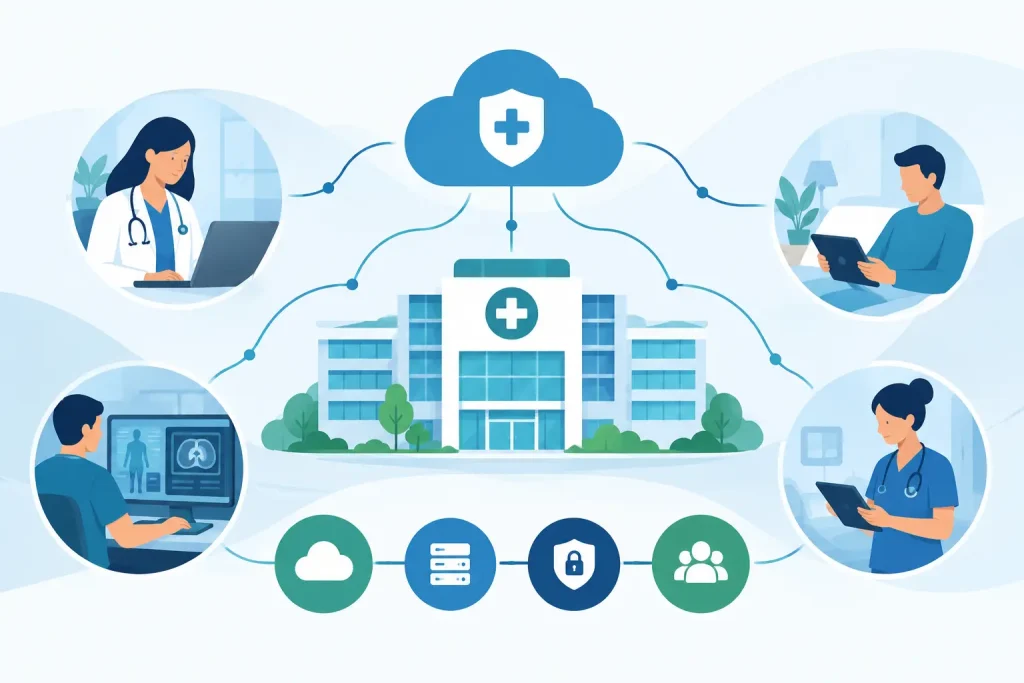
A clinician cannot wait for a carrier ticket to move through three vendors while the EHR stalls, VoIP phones fail, and a satellite clinic loses access to shared records. A healthcare network modernization example is useful when it shows more than new switches or faster Internet. It should show how an organization rebuilds accountability around the systems that keep care moving.

For healthcare leaders, modernization is an operational decision. The network supports clinical documentation, medication workflows, imaging access, patient communications, guest Wi-Fi, building systems, security cameras, and the administrative work behind every appointment. When that foundation is fragmented, even a short outage creates clinical friction, staff overtime, patient dissatisfaction, and compliance exposure.

The Starting Point: A Network Built in Pieces

Consider a regional healthcare organization with a main outpatient center, four specialty clinics, and two administrative offices. It had grown through acquisitions and lease expansions. Each location made reasonable technology decisions at the time, but no one designed the environment as one system.

The main site had a business fiber circuit, a firewall managed by a local IT firm, aging switches, and a separate voice provider. Two clinics relied on broadband connections with no meaningful failover. Another had an independently purchased firewall that had not received a documented configuration review in years. Wi-Fi names, device policies, and support contacts varied by location.

The organization also had a familiar accountability problem. The carrier owned the circuit, the voice provider owned the phones, an outside IT company owned endpoints, and internal staff were expected to coordinate every incident. When staff reported intermittent EHR performance, each vendor pointed elsewhere. No one owned the patient-facing outcome.

Modernization began with a question more useful than, “Which hardware should we buy?” The leadership team asked: Which clinical and business functions must remain available at every location, and who is accountable when they do not?

Healthcare Network Modernization Example: The Design

The assessment identified three priorities: stabilize connectivity, segment traffic according to risk and function, and create one support model for the full environment. The goal was not to replace every piece of equipment at once. It was to remove the single points of failure and blind spots that made ordinary issues disruptive.

Connectivity Designed for Outages, Not Just Normal Days

At the main outpatient center, the organization deployed diverse primary and secondary Internet connections. Diversity mattered more than simply adding a second circuit. Two services delivered through the same local facility or dependent on the same upstream path may not protect against the same physical failure.

The clinics received right-sized primary connectivity with cellular or fixed wireless failover where a second wired path was not practical. Automatic failover was tested during planned maintenance windows, not assumed to work because the hardware supported it.

This decision involved trade-offs. A fully diverse fiber design offers stronger protection but may not be available or financially justified at every small clinic. For a low-volume administrative site, cellular backup may be the appropriate recovery path. For a high-volume imaging center or urgent care location, the cost of downtime can justify a more resilient design. The architecture should follow operational impact, not a standard equipment list.

Network Segmentation That Reflects Care Delivery

The prior environment placed too many systems on broadly shared networks. Staff devices, printers, cameras, guest wireless users, building controls, and certain clinical devices could communicate more freely than necessary. That increased both troubleshooting complexity and the potential impact of a compromised endpoint.

The new design separated traffic into managed network segments with clear rules between them. Clinical workstations, administrative users, voice services, medical and IoT devices, guest Wi-Fi, and facilities systems each received defined access policies. The purpose was practical: a guest device should not be able to reach an internal system, and a malfunctioning camera should not interfere with clinical traffic.

Segmentation is not a one-time checkbox. Medical devices can have vendor-specific communication requirements, legacy operating systems, or maintenance limitations. A rushed policy change can interrupt a device that clinicians depend on. The implementation team documented dependencies, tested changes with affected stakeholders, and used phased cutovers rather than making a broad change after hours and hoping for the best.

Security and Visibility at the Edge

Next-generation firewalls were standardized across sites and placed under centralized management. Security policies, firmware schedules, threat monitoring, remote-access controls, and alerting became consistent rather than location-specific.

Central visibility changed the support experience. Engineers could see circuit status, firewall events, wireless health, and core network performance from one operating view. That shortened triage when a clinic reported a problem. Instead of asking whether the carrier, Wi-Fi vendor, or phone provider might be responsible, the support team could isolate the failure domain and take ownership of escalation.

For healthcare organizations, this also supports better governance. Documented configurations, access controls, change records, and incident response procedures make it easier to demonstrate that infrastructure is being actively managed. Technology alone does not create compliance, but unmanaged infrastructure makes compliance far harder to defend.

Migration Without Disrupting Patient Care

A modernization plan can fail if deployment is treated as a weekend hardware swap. The organization used a location-by-location approach tied to patient schedules and operational risk.

First, engineers completed an inventory of circuits, network equipment, wireless coverage, connected devices, voice dependencies, and vendor contracts. They confirmed which systems were truly business-critical and which could tolerate an interruption. This exposed several forgotten services, including an old backup circuit still being billed and a wireless bridge supporting a facilities application.

Each site then received a documented cutover plan, validation checklist, rollback procedure, and named contacts for operations and clinical leadership. Major changes occurred outside high-volume hours, but testing continued when actual staff were available to validate EHR access, printing, calling, wireless roaming, and device connectivity.

The organization did not wait for the entire project to finish before seeing improvement. The highest-risk sites received connectivity and firewall remediation first. That sequencing reduced exposure early while allowing the broader standardization work to proceed without forcing an unrealistic all-at-once deadline.

What Changed After Modernization

The strongest result was not a speed-test number. It was a change in operational control.

When a primary circuit experienced a service interruption, designated locations failed over as designed and staff retained access to required cloud applications. When a suspicious endpoint event occurred, segmentation limited its reach and centralized monitoring provided a clear investigation path. When users reported poor call quality, the team could evaluate the circuit, LAN, Wi-Fi, and voice configuration together rather than opening unrelated tickets.

The finance team gained better visibility as well. Consolidating service ownership did not mean every service had to come from one carrier. Carrier-neutral sourcing allowed the organization to select the right access option by site while receiving clearer billing and fewer vendor handoffs. Existing contracts were reviewed before replacement, helping leadership avoid unnecessary early-termination costs.

Most importantly, internal leaders no longer served as the relay point between vendors. They had one team accountable for the whole stack – connectivity, network, security, voice, and ongoing support. For organizations with limited internal IT resources, that distinction is often more valuable than any individual appliance.

What Healthcare Leaders Should Measure

Modernization should be judged by service outcomes, not by how much equipment was installed. Healthcare organizations should track circuit availability, failover performance, mean time to acknowledge and resolve incidents, recurring trouble-ticket categories, wireless coverage issues, security events, and the number of vendors involved in a typical outage.

It also helps to measure operational disruption in plain terms. How often do clinicians report application interruptions? How long can a site function when its primary connection fails? Can the organization identify every device connected to the network? Are configuration changes documented and recoverable? These answers reveal whether the environment is actually becoming more resilient.

Southeast Networks approaches this work as an ownership problem as much as a technology problem. The right design connects managed IT, carrier services, cybersecurity, voice, and recovery planning under one accountable operating model. Real engineers should be able to see the issue, coordinate the fix, and explain what happened without sending staff into a 1-800 black hole.

The useful lesson from any healthcare network modernization example is simple: build for the moment something fails. When the network has clear ownership, tested recovery paths, and policies that match how care is delivered, technology becomes less of a daily distraction and more of a dependable part of patient operations.

How to Audit Business IT Vendors Without Gaps

How to Audit Business IT Vendors Without Gaps

A vendor review often starts after something breaks: a circuit fails, a security alert goes unanswered, an invoice cannot be explained, or one provider blames another. That is the wrong time to discover that no one owns the outcome. To audit business IT vendors effectively, evaluate the full operating model behind each service, not just the monthly price or the promises made during a sales call.

For multi-site healthcare, senior living, retail, financial, education, and commercial property organizations, technology vendors affect far more than the IT department. Their performance determines whether staff can communicate, residents can receive care, tenants can connect, transactions can clear, and operations can continue during an outage. A disciplined vendor audit turns that risk into a clear plan for accountability.

Start With the Business Services That Cannot Stop

An effective audit begins with operations, not a vendor spreadsheet. Identify the services that would cause immediate disruption if they failed for an hour, a day, or longer. This may include internet connectivity, phones, cloud applications, wireless networks, point-of-sale systems, access control, electronic health records, and backup systems.

For each service, document the location, business owner, technical owner, dependent systems, and acceptable downtime. A primary internet circuit, for example, may support phones, guest Wi-Fi, payment systems, security cameras, and remote access. If its failure affects all five, it should not be evaluated as a simple connectivity line item.

This exercise reveals a common issue: vendors are often managed in silos while their failures are felt across the business. The carrier may own the circuit, an IT provider may manage the firewall, a voice company may support the phones, and an internal team may be left to coordinate the incident. Each contract can look reasonable on its own. Together, they can create an operational gap.

Build a Complete Vendor and Service Inventory

Do not rely only on accounts payable records. Finance records are necessary, but they rarely show who actually supports a service, what equipment is in scope, or whether contracts have quietly rolled over. Build one inventory that connects vendors to services, locations, contracts, assets, costs, and escalation contacts.

At a minimum, capture the following for every vendor relationship:

  • Services delivered and every site or department covered
  • Contract term, renewal date, cancellation notice period, and price escalation terms
  • Named service-level commitments for response, restoration, uptime, and support availability
  • Equipment ownership, including firewalls, switches, access points, phones, and carrier handoff devices
  • Administrative access, licensing ownership, and the location of configuration documentation
  • Escalation contacts for routine support, major incidents, billing disputes, and executive review

The goal is not paperwork for its own sake. It is to expose dependencies before an outage or contract renewal makes them urgent. If no one can identify the administrator for a firewall, retrieve a network diagram, or explain who pays for a failed router, the business has an unmanaged risk.

Audit Business IT Vendors Against Ownership

The central question in an audit is simple: when a business-critical service fails, who owns resolution from the first call through restoration? A vendor that only owns a narrow product may still be the right fit, but the handoffs must be explicit.

Ask every provider where its responsibility starts and ends. Then compare those answers across the stack. A managed IT partner may say the internet provider owns the outage. The carrier may say its circuit tests clean to the demarcation point. Meanwhile, the firewall could be offline, the backup circuit may not be configured for failover, or DNS may be preventing applications from reaching the internet.

None of those statements are necessarily wrong. The problem is allowing the customer to serve as the integration layer. For organizations with limited internal IT resources, this structure creates long restoration times and inconsistent accountability.

A stronger model identifies one accountable party for each end-to-end service. That party does not need to manufacture every component or own every contract. It does need the authority, documentation, monitoring, and escalation path to coordinate the full incident. One team that owns the whole stack reduces finger-pointing when time matters.

Test Support With Realistic Scenarios

Do not judge support solely by ticket response statistics. Ask vendors to walk through actual failure scenarios: a primary circuit outage, ransomware detection, failed backup recovery, degraded Wi-Fi at one location, or a phone system outage during business hours.

Listen for specifics. Who answers first? What diagnostics are performed? Who opens the carrier ticket? How is leadership updated? When does the vendor declare a major incident? What happens if the issue crosses multiple systems? Strong providers can explain the process clearly, including where their responsibility ends and how they manage the next handoff.

If a vendor’s answer is essentially “call us and we will see,” that may be acceptable for a low-impact service. It is not sufficient for infrastructure that supports patient care, revenue, safety, or tenant operations.

Verify Security, Resilience, and Recovery Claims

Security and continuity services are easy to overstate because their value is most visible when something goes wrong. Audit the evidence behind the claims.

For cybersecurity providers, review what is actually monitored, who responds after hours, how incidents are escalated, and whether endpoint, identity, email, network, and backup controls are coordinated. A security product is not the same as a managed security process. Confirm that alert ownership is defined and that critical findings do not sit in an unattended portal.

For connectivity and disaster recovery, verify the design rather than accepting the label “redundant.” Two circuits entering the same building path or terminating on the same network equipment may not provide meaningful resilience. A backup internet connection is useful only if failover is configured, tested, and capable of supporting the applications that must remain online.

Recovery deserves the same scrutiny. Ask when backups were last tested, how long a restoration took, whether the results were documented, and which systems were included. A backup that exists but cannot be restored within the business’s recovery window is not a continuity plan.

Separate Commitments From Assumptions

Many vendor relationships operate on assumptions that were never written down. The customer assumes 24/7 support means an engineer will work a critical issue overnight. The provider may define support as a call center that creates a ticket. The customer assumes equipment replacement is included. The provider may charge time, materials, and expedited shipping.

Review service-level agreements, statements of work, and renewal documents for measurable terms. Look for response and restoration targets, maintenance windows, exclusions, after-hours coverage, reporting obligations, and financial remedies. More importantly, determine whether those commitments match the service’s business impact.

A lower-cost provider with limited support may be appropriate for a noncritical application. For a core circuit or security service, the cost of downtime can quickly outweigh any savings. The right decision depends on the service, its dependencies, and the organization’s tolerance for disruption.

Review Financial Control and Contract Risk

Vendor audits should give finance leaders as much clarity as IT leaders. Compare invoices against the service inventory and identify duplicate services, unused licenses, expired locations, unapproved rate increases, and equipment charges that no one recognizes.

Pay close attention to contract timing. Telecom and managed service agreements can include automatic renewals, long notice periods, early termination fees, and pricing that changes after an introductory period. Missing a notice deadline can lock an organization into another term before it has evaluated alternatives.

Also review vendor concentration. Consolidating services can reduce friction and simplify billing, but concentration creates risk if the partner lacks depth, documentation, or operational discipline. The answer is not always more vendors. It is a clear architecture, tested contingency plans, and a partner capable of managing services across providers when necessary.

Turn Findings Into an Accountable Action Plan

A useful audit produces decisions, not a binder of observations. Rank findings by business impact, likelihood, urgency, cost, and effort. Address high-impact ownership gaps first: unsupported firewalls, untested backups, single points of failure, unknown administrator credentials, and contracts approaching renewal without a sourcing plan.

Assign an owner and deadline to every action. Some fixes are immediate, such as updating escalation contacts or securing administrative access. Others require design work, budget approval, or a phased migration. Keep the plan practical and review it regularly with operations, IT, and finance stakeholders.

Southeast Networks approaches this work as an operational assessment, connecting managed IT, carrier services, security, voice, and recovery planning under accountable oversight. The objective is not to replace every vendor automatically. It is to establish a technology environment where responsibilities are clear, service performance is measurable, and an outage does not become a vendor-management exercise.

The best time to examine a vendor relationship is while services are stable and decisions can be made deliberately. Build the inventory, test the handoffs, verify the recovery evidence, and make ownership visible. When the next disruption arrives, your team should know exactly who is working the problem and who is accountable for getting the business back online.

A Clinic Recovery Example That Protects Patient Care

A Clinic Recovery Example That Protects Patient Care

At 8:12 a.m., a multi-provider clinic loses its primary internet circuit. The front desk cannot confirm appointments, clinicians cannot reach cloud-hosted records, and payment processing stops. This clinic recovery example shows what separates a manageable technology incident from a day of canceled care, frustrated patients, and compliance exposure.

The difference is not a single backup device or a generic disaster recovery plan stored in a shared folder. It is a recovery design built around clinical workflows, tested before an outage, and owned by one team that can coordinate connectivity, systems, voice, security, and vendor escalation.

The Scenario: A Primary Circuit Fails During Morning Check-In

Consider a five-location outpatient healthcare group. Its main clinic relies on a fiber circuit for electronic health records, cloud phone service, imaging uploads, insurance verification, guest Wi-Fi, staff communications, and card transactions. The practice has a small internal IT team, several software vendors, an internet carrier, a phone provider, and a managed security provider.

On a normal day, that arrangement may appear workable. During an outage, it creates a coordination problem. Staff do not need five vendor ticket numbers. They need answers: What failed? Is the clinic protected? Can patients be checked in? When will full service return?

At 8:12 a.m., the fiber circuit goes down because of damage to an upstream carrier facility. The firewall detects the failure and shifts approved traffic to a separate wireless or secondary wired connection. Staff may notice a brief interruption, but critical services reconnect without manual intervention.

That automatic failover is the first layer of recovery. It is not the whole plan.

What a Strong Clinic Recovery Plan Protects

For a clinic, recovery priorities should reflect patient care rather than an arbitrary list of applications. The highest priority is usually safe access to patient information and the ability to communicate with patients, clinicians, pharmacies, labs, and emergency contacts.

In this example, the recovery sequence is deliberately organized. The secondary connection supports the EHR, clinical communications, appointment scheduling, voice services, and payment processing first. Nonessential traffic, such as public Wi-Fi, large software downloads, streaming media, and routine cloud backups, is restricted until capacity is stable.

This is where a business-grade design differs from simply adding a hotspot. A backup connection has finite bandwidth and different performance characteristics. If every device and every user competes for it, the circuit can become saturated before clinical systems have a chance to recover.

The clinic also maintains locally accessible downtime procedures. If the EHR is unavailable because of an application-side issue rather than an internet outage, staff know how to document visits securely, collect the necessary information, and reconcile records once the system returns. Technology continuity and clinical downtime procedures must work together. One does not replace the other.

The Recovery Timeline

A useful recovery plan has defined actions, owners, and decision points. The following timeline illustrates how the incident should unfold.

Minute 0 to 5: Detect and Contain

Monitoring identifies the loss of the primary circuit. The managed network team verifies that the issue is not an internal firewall, switch, power, or DNS failure. Automated failover moves critical traffic to the secondary path.

At the same time, security controls remain active. A backup connection should not become a shortcut around firewall policies, content filtering, multi-factor authentication, or network segmentation. Recovery that weakens protections can turn an availability event into a security incident.

Minute 5 to 20: Confirm Clinical Operations

The service desk or designated operations contact confirms that front desk scheduling, EHR access, phone routing, and card processing are functioning at an acceptable level. The goal is not to prove that every low-priority service works. The goal is to verify the systems that keep patient care moving.

If call quality is degraded on the secondary circuit, the team may temporarily prioritize inbound appointment and patient calls while limiting nonessential outbound use. If imaging uploads are consuming available capacity, they may be queued until the primary circuit returns. These are operational decisions, not failures of the plan. Good recovery includes clear trade-offs.

Minute 20 to 60: Communicate and Escalate

The technology partner opens and manages the carrier escalation, documents the outage, and provides the clinic with a plain-language status update. Leadership receives a concise view of business impact, current operating mode, and estimated next steps.

This matters because carrier repair timelines are often uncertain in the first hour. The accountable technology team should not promise a restoration time it cannot control. It should explain what is known, what is being done, and what the clinic can expect next.

For a multi-site organization, the team also checks whether other locations are affected. A single-site outage and a regional carrier issue require different decisions. In some cases, traffic may need to be rerouted, remote staff may need alternate access methods, or appointment volume may need to shift between clinics.

Restoration: Return Without Creating New Problems

When the primary circuit comes back, traffic should not simply be pushed back without validation. The team confirms circuit stability, packet loss, latency, DNS resolution, VPN health, and application performance before returning priority traffic to the main connection.

After restoration, any temporary bandwidth restrictions can be removed. The incident is then reviewed: Did failover occur as designed? Did critical applications receive the right priority? Did staff know who to contact? Were carrier updates timely? Did any manual workaround create a security or documentation gap?

That review turns an outage into a measurable improvement cycle rather than a forgotten emergency.

Design Decisions Behind This Clinic Recovery Example

Several decisions make this recovery scenario credible. First, the primary and backup circuits should not share the same point of failure whenever practical. Two services from the same carrier, entering through the same building path or relying on the same local equipment, may provide less redundancy than the billing suggests.

Carrier-neutral sourcing helps identify meaningful diversity. Depending on location, the best secondary option may be a different fiber provider, cable service, fixed wireless, or cellular connectivity. The answer depends on local availability, application demand, building construction, and the clinic’s tolerance for reduced performance during an outage.

Second, the network must be configured for intentional failover. That includes health checks that detect a real service failure, routing rules that move traffic appropriately, and quality-of-service policies that favor clinical applications and voice. A circuit can appear technically online while still being unusable for cloud applications. Monitoring should account for service quality, not just whether a device responds to a ping.

Third, recovery responsibilities must be explicit. Internal staff may own workflow decisions and staff communication. The technology partner should own monitoring, diagnosis, vendor coordination, remediation, and documentation. When these boundaries are vague, the clinic spends valuable time deciding who is supposed to act.

Recovery Is More Than Internet Failover

Connectivity is central to many clinical operations, but a complete recovery posture also accounts for power, endpoint access, cybersecurity, backups, and communications.

For example, a clinic with redundant internet may still be unable to operate if a power event takes down network equipment. Battery backup can bridge short interruptions, while generator planning may be necessary for longer events. Similarly, an organization may restore its systems quickly after ransomware but still face disruption if staff credentials, endpoint security, and application access are not included in the recovery process.

Voice deserves special attention. If cloud phones depend on the same failed connection and no call-routing contingency exists, patients may assume the clinic is closed. Alternate routing, mobile failover, and defined call handling procedures can preserve patient communication even when the primary site is impaired.

The right scope depends on the clinic’s services. An urgent care center, imaging facility, specialty practice, and administrative office do not have identical recovery needs. The plan should be based on the real impact of interruption, not a generic checklist.

How to Test Whether Your Plan Will Work

A recovery plan is only reliable when it is tested under controlled conditions. Schedule a failover test during a low-risk window and validate the applications staff actually use. Ask the front desk to check in a test patient. Confirm a clinician can access the EHR. Place and receive calls. Process a test payment where appropriate. Verify remote access and security logging.

Document the results, including what degraded during backup operation. A secondary circuit may keep the clinic functional while slowing large uploads or reducing call capacity. That is acceptable if leadership understands the limitation and has approved the operating model.

Southeast Networks approaches this work as an operational responsibility, not a collection of disconnected products. One team that owns the whole stack can identify dependencies, manage the carrier conversation, and keep the clinic focused on patients rather than vendor handoffs.

The most useful next step is to map one real outage scenario against your current environment. Identify what fails first, who receives the alert, which systems retain priority, and who owns every call until service is restored. If those answers are unclear, the recovery gap already exists.

Property Internet Deployment That Holds Up

Property Internet Deployment That Holds Up

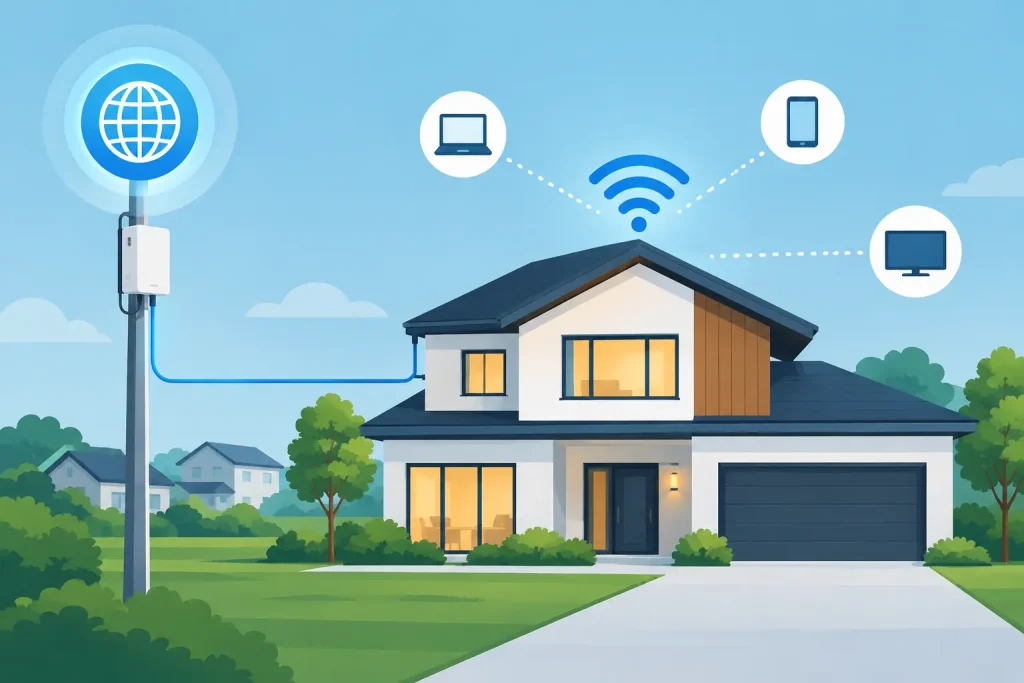
A new property can have polished common areas, modern access control, and fully leased space, then still disappoint occupants on day one because the network was treated as a late-stage utility. Property internet deployment is not simply ordering a circuit and mounting access points. It is the work of designing connectivity that supports how people, systems, and revenue-producing operations will actually function in the building.

For developers, property managers, facilities teams, and IT leaders, the standard should be clear: one accountable plan for Internet, Wi-Fi, network hardware, security, carrier coordination, and support after the property opens. Anything less creates gaps that usually surface when tenants, residents, staff, or guests are already depending on the service.

Why property internet deployment fails after opening

Most connectivity problems begin well before an outage ticket is opened. They start with incomplete site information, a carrier selected without redundancy planning, poor coordination with construction trades, or an assumption that Wi-Fi coverage is the same as Wi-Fi capacity.

A building may have a fast Internet circuit at the demarcation point but weak service everywhere it matters. Concrete walls, elevator shafts, fire-rated assemblies, metal framing, and dense occupancy all affect wireless performance. So do the number and behavior of connected devices. A senior living community, for example, may need dependable coverage for staff mobility, resident devices, clinical applications, security cameras, and guest access at the same time. A retail center may need isolated networks for tenants, payment systems, cameras, and property operations.

The other common failure is fragmented ownership. The carrier owns the circuit. An installer owns the cabling. A managed service provider owns the firewall. A low-voltage contractor owns the access points. When performance drops, each party can point somewhere else. The property is left coordinating vendors instead of restoring service.

Start with operations, not bandwidth

Bandwidth matters, but it is only one design input. A sound deployment begins with a practical assessment of what the property must support, where the risk sits, and what an interruption would cost.

That assessment should account for building type, square footage, construction materials, expected occupancy, critical applications, operating hours, and future expansion. It should also identify systems that require special treatment: life-safety-adjacent communications, point-of-sale terminals, building automation, cameras, access control, telehealth platforms, VoIP, and regulated data environments.

A property with 200 residents has different requirements from a 200,000-square-foot office building, even if both expect high-speed Wi-Fi. The first may need broad mobility, guest isolation, and reliable service in individual units. The second may require dedicated tenant services, conference room density, secure segmentation, and carrier options for separate suites. The correct design depends on the operating model, not a generic bandwidth tier.

Build the carrier plan early

Carrier availability should be validated during design, not shortly before a grand opening. On-net service, construction requirements, right-of-entry agreements, building entrance facilities, and circuit lead times can materially change the project schedule. A carrier-neutral approach helps identify which providers can serve the site, what technology they can deliver, and whether diverse paths are genuinely available.

Redundancy also requires scrutiny. Two circuits from different providers are not necessarily diverse if they enter the same conduit, terminate in the same building room, or rely on the same upstream infrastructure. For properties where downtime affects care delivery, transactions, occupancy, or public safety, the goal is to remove meaningful single points of failure – not merely add a second invoice.

Design the network as a property system

The network should be treated like electrical, HVAC, and access control: a core building system with defined standards, documentation, and lifecycle ownership. That starts with the physical layer.

Structured cabling pathways, telecom room locations, rack space, cooling, grounding, backup power, and fiber distribution need to be coordinated with the construction schedule. A poorly located telecom room can increase cable runs, limit expansion, and make routine maintenance harder for the life of the property. A network closet without adequate cooling or battery backup can become the reason an otherwise well-designed environment goes down.

Wireless design deserves the same discipline. Predictive surveys are useful during planning, but they should be validated with post-installation testing once walls, furnishings, equipment, and occupancy conditions are in place. Coverage maps alone are not enough. Testing should evaluate signal quality, roaming behavior, interference, throughput, and capacity in high-demand areas.

For many properties, segmentation is equally important. Resident, guest, tenant, corporate, IoT, camera, and payment traffic should not share unrestricted access to the same network. Proper segmentation limits lateral movement if a device is compromised and protects operational systems from the unpredictable behavior of consumer and unmanaged devices.

Security and continuity cannot be add-ons

A property network is an operating environment, not a guest amenity. That means firewall policy, secure remote access, managed switching, endpoint controls, monitoring, and backup power must be built into the deployment scope.

The right security controls depend on the property and its obligations. A healthcare or financial environment may need stricter access controls, logging, and documented response procedures. A multi-dwelling community may prioritize resident privacy and tenant isolation. In every case, the baseline should include managed network equipment, current firmware, protected administrative access, and clear visibility into what is connected.

Business continuity also needs a realistic plan. If the primary connection fails, what continues to work? If power is interrupted, how long can core networking equipment stay online? If the firewall fails, is there a documented replacement and configuration process? If a cyber event affects the environment, who has authority to isolate systems and communicate with stakeholders?

These questions are not theoretical during opening week, a busy holiday period, or a weather event. They define whether a property can keep serving residents, customers, staff, and tenants when conditions are not ideal.

Make deployment accountable from survey to support

A successful property internet deployment needs a single project owner who can coordinate the moving parts without hiding behind subcontractors or carrier escalation queues. The work typically spans site survey, design, carrier sourcing, construction coordination, equipment staging, installation, configuration, testing, documentation, and ongoing monitoring.

Clear acceptance criteria should be established before installation begins. That may include circuit turn-up verification, failover testing, wireless coverage and capacity validation, voice quality testing, security policy review, and documentation of network diagrams and credentials. Without acceptance criteria, a project can be declared complete because equipment is powered on rather than because the property can operate reliably.

Support ownership matters just as much after go-live. Properties need to know who answers when a circuit fails at 6:00 a.m., an access point drops offline, or a tenant reports a service issue that may involve the building network. Real engineers, not a 1-800 black hole, shorten the time between identifying a problem and restoring operations.

Southeast Networks approaches this as one managed environment: connectivity, network infrastructure, cybersecurity, voice, and support coordinated by one team that owns the whole stack. That model reduces vendor friction because the team responsible for the outcome can see the dependencies across the environment.

Plan for growth before it becomes urgent

The network installed for opening day should not be sized only for opening day. Properties evolve. Occupancy changes, tenants add devices, cameras expand, applications move to the cloud, and security requirements become more demanding. A design with no spare fiber, switch capacity, rack space, or power headroom creates expensive disruption later.

This does not mean every property needs to overbuild. It means making deliberate decisions about where capacity is worth reserving and where a phased approach makes better financial sense. A disciplined design can balance capital costs with the cost of future change.

The best time to solve connectivity risk is when walls are open, carriers can be coordinated, and the operating model is still being defined. Treat the network as a core property system from the start, and it will be ready to support the business long after the opening-day checklist is gone.

Apartment WiFi Deployment That Holds Up Under Load

Apartment WiFi Deployment That Holds Up Under Load

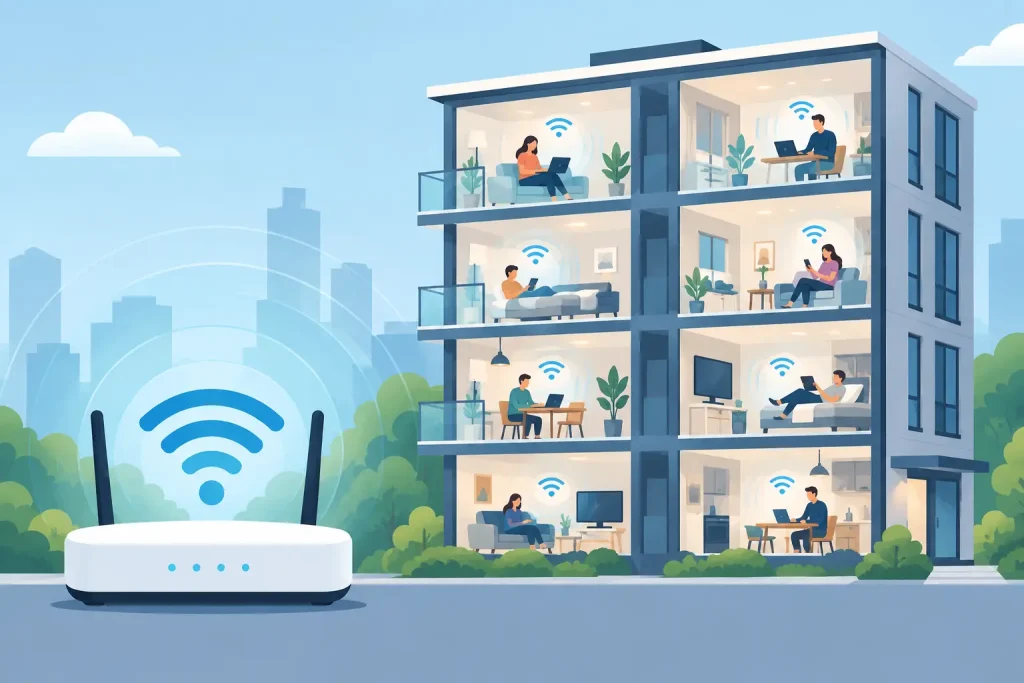
A resident may forgive a slow elevator once. They are far less forgiving when video calls freeze, smart TVs buffer, and the leasing office cannot explain who owns the problem. Apartment wifi deployment is not an amenity box to check at move-in. It is shared operational infrastructure that affects resident retention, property reputation, leasing velocity, staff productivity, and the workload placed on your team.

The difference between a network that performs and one that creates recurring tickets is rarely the brand printed on an access point. It comes down to disciplined design, clean installation, adequate Internet capacity, security boundaries, and one accountable team after installation day. For owners, developers, and property operators, the goal is straightforward: deliver dependable connectivity without inheriting another fragmented vendor relationship.

Start Apartment WiFi Deployment With the Building, Not the Hardware

Every property has a different wireless problem to solve. A new mid-rise with structured cabling, concrete floorplates, and a central telecom room requires a different design than a garden-style community with detached buildings, aging conduit, and limited pathway access. Trying to standardize only around hardware can produce inconsistent results before the first resident connects.

A proper assessment begins with the physical environment. Construction materials matter. Concrete, metal framing, low-emissivity glass, elevator shafts, firewalls, and utility rooms can weaken or redirect radio signals. Floor plans matter too, especially unit size, wall layout, corridor length, common-area placement, and the distance between buildings. A design based only on square footage will often leave dead zones in bedrooms, patios, stairwells, or amenity areas where residents expect service.

The assessment should also account for the existing technology environment: available carrier entrances, demarcation locations, riser capacity, electrical power, UPS coverage, network closets, and cabling condition. These details determine whether a property can support distributed access points, wired in-unit gateways, outdoor wireless bridges, or a combination of approaches.

This is where planning prevents expensive rework. If the cabling path is inadequate, access points cannot simply be placed wherever a heat map looks attractive. If a telecom closet has no conditioned power or backup power, a localized outage can take down an entire section of the property. The right architecture is the one that balances resident experience, building constraints, lifecycle cost, and maintainability.

Coverage Is Only One Part of Capacity

A network can show strong signal bars and still fail during peak demand. Coverage answers whether a device can hear the Wi-Fi signal. Capacity answers whether the network can serve everyone using it at once. Apartment communities need both.

Residents now connect far more than phones and laptops. Streaming devices, gaming consoles, video doorbells, smart speakers, tablets, workstations, and connected appliances compete for airtime. A single household may generate simultaneous traffic for a remote meeting, a 4K stream, online gaming, and cloud backups. Multiply that activity across dozens or hundreds of units, particularly during evening hours, and undersized designs become obvious.

Capacity planning should model expected occupancy, device density, application behavior, and peak-hour usage. It should also account for the number of radios and channels available in each area. Adding access points without channel planning can make performance worse by creating unnecessary interference. Conversely, spacing access points too widely can force devices to connect at lower data rates, consuming more airtime and reducing performance for everyone nearby.

Internet bandwidth is part of this calculation, but it is not the whole calculation. A large carrier circuit cannot correct poor Wi-Fi design inside a building. At the same time, excellent in-building coverage cannot compensate for an Internet connection that is consistently saturated. The upstream connection, firewall throughput, switching capacity, cabling, and wireless layer must be designed as one system.

For larger properties, redundancy deserves early consideration. A secondary carrier path, properly configured failover, and monitored edge equipment can reduce the impact of a provider outage. Whether that investment is justified depends on the property’s operating model, the services delivered over the network, and the cost of disruption. A community offering managed Wi-Fi as part of rent may have a stronger case for resilience than a property where residents procure service independently.

Choose an Operating Model Before Designing the Network

The technical design should support a clear business model. Many apartment Wi-Fi projects stall because this decision is left until late in the process.

In a bulk managed Wi-Fi model, the property provides connectivity as a resident service, often included in rent or billed through a defined amenity structure. This can simplify move-ins, improve the resident experience, and give ownership greater control over service quality. It also requires a support model capable of handling activation, resident questions, device troubleshooting boundaries, and billing or onboarding workflows.

A retail model gives residents a choice of service providers. It can reduce the property’s direct support obligation, but it may introduce installation delays, inconsistent resident experiences, and more coordination across carriers. It also limits the property’s ability to set a consistent network standard throughout the community.

Hybrid approaches exist, particularly at mixed-use properties or developments with different resident segments. The right choice depends on market expectations, property class, lease strategy, available providers, and internal operations. What matters is deciding early enough that carrier connectivity, network segmentation, support procedures, and resident communications align with the selected model.

Security and Privacy Cannot Be an Afterthought

Apartment networks carry personal data, payment activity, work traffic, and connected devices that may not receive regular security updates. Property operations also depend on their own systems: leasing platforms, surveillance, access control, building automation, staff devices, and payment terminals. These environments should not share the same security boundary simply because they occupy the same address.

Network segmentation separates resident traffic from property operations and isolates systems based on risk. A compromised resident device should not create a path to a leasing workstation or camera system. Guest access should be distinct from staff access. Building controls should receive their own carefully managed segment, with restricted access and monitoring appropriate to the system.

Authentication matters as well. Resident access should be simple enough to avoid constant support calls while still preventing unauthorized use. The best approach varies by operating model, but it should include a reliable process for move-ins, move-outs, credential changes, and service suspensions. Shared passwords posted in common areas are not a viable long-term access strategy.

Security also requires visibility. Managed firewalls, event monitoring, firmware management, and documented escalation procedures help identify issues before they become widespread disruptions. No network is immune to failure or attack. The operational question is whether the team responsible can see the problem, isolate it, and respond with clear ownership.

Install for Serviceability, Not Just Opening Day

A project can pass initial testing and still be difficult to support six months later. Labels fade, closets get repurposed, undocumented switches appear, and an access point above a finished ceiling becomes an expensive service call. Installation standards should anticipate the reality that property staff, residents, and support teams will need to operate the environment over time.

That means clearly labeled cabling, documented rack layouts, current network diagrams, protected equipment locations, and adequate spare capacity. It means using commercial-grade equipment with centralized management rather than consumer devices that require individual configuration. It also means validating coverage and performance after furniture, doors, appliances, and residents occupy the building, not only when units are empty.

Acceptance testing should include common use cases, not just a speed test near an access point. Test representative units, corridors, amenity spaces, leasing areas, outdoor areas, and building edges. Confirm failover behavior if redundant connectivity is in place. Verify that staff and resident networks are separated as designed. Document baseline performance so future troubleshooting starts with evidence rather than guesswork.

Define Support Ownership Before Residents Call

The fastest way to damage confidence in a managed amenity is to send residents between the property team, a carrier, an equipment vendor, and a generic help desk. Residents do not care which vendor owns the access point or the circuit. They care whether their connection works.

A practical support model identifies who receives the first call, what issues are covered, what can be resolved remotely, and when an on-site technician is required. Property staff should not be expected to troubleshoot RF interference, carrier routing failures, or firewall policies. Their role should be clear: recognize the issue, communicate accurately, and engage the accountable technical team.

For multi-property operators, standardization is especially valuable. Common equipment standards, monitoring, reporting, escalation paths, and documentation reduce the burden on regional teams. Southeast Networks approaches this as one managed environment, bringing connectivity, network infrastructure, security, and support under one accountable team rather than leaving property leaders to coordinate multiple vendors during an outage.

Treat Wi-Fi as a Long-Term Property System

Apartment Wi-Fi is not finished when the installation crew leaves. Resident behavior changes, occupancy shifts, new devices appear, carrier needs evolve, and equipment eventually reaches end of life. A sound deployment includes an operating plan for monitoring, updates, capacity review, replacement cycles, and vendor accountability.

Before committing to a design, ask a practical question: when connectivity fails at 8:00 p.m. on a Sunday, who has the tools, authority, and responsibility to restore service? The answer should be specific. A reliable apartment network is built around that moment, not around a brochure or a one-time installation price.

Zero Trust Versus VPN for Business Security

Zero Trust Versus VPN for Business Security

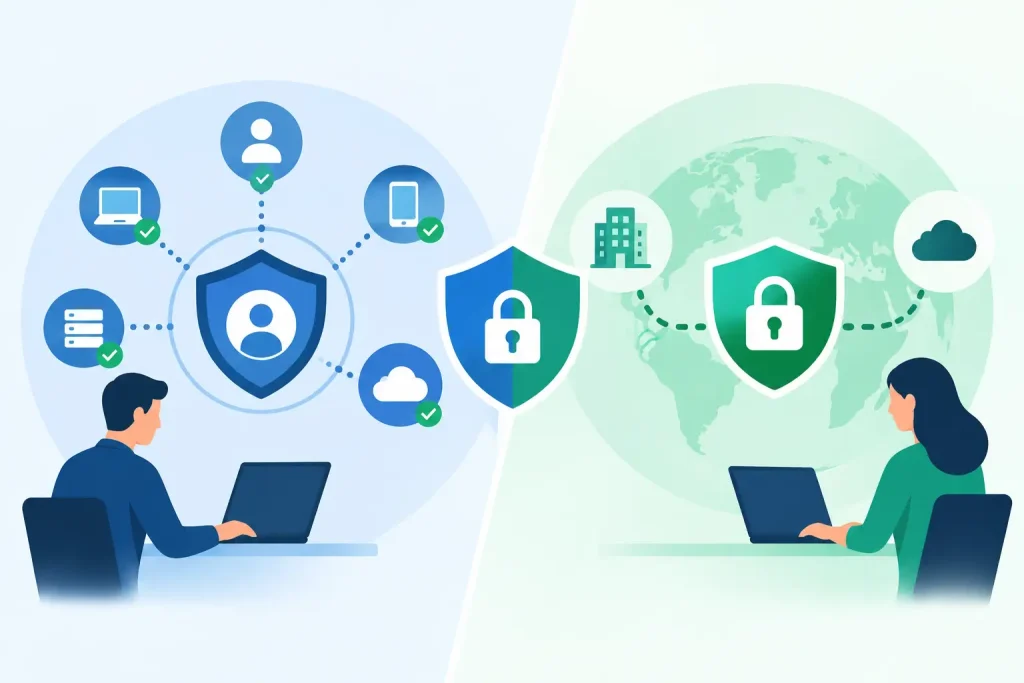
A VPN once solved a straightforward problem: employees needed a secure tunnel back to the office network. That model still has a place, particularly for controlled administrative access and legacy applications. But the zero trust versus VPN decision is no longer just about remote work. It affects how an organization protects patient data, point-of-sale systems, resident records, financial applications, cloud platforms, and every location that depends on reliable access.

For organizations with multiple sites and limited tolerance for downtime, the right answer is rarely a blanket replacement. It is a deliberate access architecture based on users, devices, applications, network design, and operational risk.

What a Traditional VPN Does Well

A virtual private network encrypts traffic between a user or site and a private network. Once authenticated, the user typically receives access to a defined portion of the internal environment. Site-to-site VPNs perform a similar function between offices, retail locations, campuses, or data centers.

VPNs remain useful because they are familiar, broadly supported, and effective for specific use cases. A network administrator may need access to switch management interfaces. A small branch may need a protected connection to resources hosted at headquarters. A legacy line-of-business application may only function when a user appears to be on the internal network.

For these scenarios, a well-designed VPN is not inherently weak. The issue is the trust model behind many VPN deployments. Once a user is connected, the network may treat that connection as trusted enough to reach far more than the user needs. If credentials are stolen or an unmanaged device connects, that broad access can turn one compromised account into a larger incident.

VPN performance can also become an operational concern. Backhauling traffic through a central firewall may add latency for cloud applications, consume bandwidth, and create a single point of congestion. A business with multiple facilities cannot treat remote access as an isolated security tool. It must fit the WAN, wireless, identity, endpoint, and support strategy.

Zero Trust Versus VPN: The Core Difference

Zero trust is not a single product. It is a security approach built on a simple operating assumption: no user, device, application, or network location receives trust by default.

Instead of granting access because a user is connected to the corporate network, zero trust continuously evaluates context. That can include the user identity, multi-factor authentication status, device health, location, risk signals, and the specific application or resource being requested. Access is limited to what the user needs, and it can be re-evaluated when conditions change.

The practical distinction is significant. A traditional VPN often connects a user to a network, then relies on network segmentation and permissions to control what happens next. Zero trust aims to connect a verified user to an approved application or resource without exposing the surrounding network.

That reduces lateral movement. If a compromised account can access only a scheduling application, for example, it should not automatically gain visibility into file servers, VoIP administration, surveillance systems, or other operational systems. For healthcare, senior living, finance, and education environments, containing that blast radius matters as much as preventing the first unauthorized login.

Why Network Access Is No Longer the Best Security Boundary

The corporate perimeter has changed. Employees work from home, field teams connect from customer sites, cloud applications hold business-critical data, and vendors need tightly controlled support access. Even within a physical office, a connection from a guest network, an unmanaged laptop, or an internet-of-things device should not carry the same trust level as a managed workstation.

A VPN-centric model can be difficult to manage in that environment because it uses network connection as a major access decision. It may require complex firewall rules, split-tunneling decisions, client troubleshooting, and ongoing segmentation work to keep users from reaching systems they do not need.

Zero trust shifts more of that decision-making to identity and policy. A payroll manager can access payroll. A facilities contractor can access a building-management portal during an approved maintenance window. A help desk technician can connect to a managed endpoint without receiving broad network access. These policies are easier to align with job roles and business functions than with IP address ranges alone.

That does not eliminate the need for firewalls, VLANs, secure Wi-Fi, endpoint protection, or network monitoring. It makes those controls part of a layered model rather than asking a remote-access tunnel to carry the full security burden.

Where Zero Trust Delivers the Strongest Business Value

Zero trust is particularly effective when an organization has a distributed workforce, multiple locations, cloud-first applications, third-party support requirements, or a meaningful compliance burden. It helps reduce exposure without forcing every user to route all activity through a central network.

For operations leaders, the benefit is control without unnecessary friction. Users can reach the applications required for their work, while IT maintains policy visibility and can remove access quickly when an employee changes roles, a vendor engagement ends, or a device falls out of compliance.

For finance and executive teams, zero trust can support more predictable risk management. A breach does not become inexpensive simply because the initial entry point was small. Broad internal access, weak credential controls, and poor device visibility raise the potential impact. Limiting access by design lowers the likelihood that one failed control becomes a business-wide disruption.

There is also a performance advantage when access is designed around the application. Rather than sending all traffic through a headquarters firewall, users can securely access approved cloud services through a policy-driven path that avoids unnecessary backhaul. The result can be better user experience and less strain on central infrastructure.

The Trade-Offs: Zero Trust Is Not a Shortcut

Zero trust requires planning. It depends on accurate identity management, multi-factor authentication, device inventory, endpoint management, and a clear understanding of who needs access to what. If an organization cannot identify its critical applications, privileged accounts, and unmanaged devices, the policy design will be incomplete.

Application compatibility also matters. Some older systems expect unrestricted network connectivity, use unsupported protocols, or depend on hard-coded internal addresses. Those workloads may need a segmented VPN, a virtual desktop environment, or carefully controlled administrative access while the organization plans a longer-term modernization path.

User experience deserves attention as well. Security controls that create repeated prompts, block legitimate workflows, or fail unpredictably will drive workarounds. The goal is not to make access difficult. The goal is to make authorized access dependable and unauthorized access materially harder.

A successful implementation phases the work. Start with high-value applications, privileged users, remote administrators, and third parties. Validate policies, monitor access patterns, and resolve exceptions before expanding coverage. This approach protects business continuity while building a model that staff can support consistently.

When a VPN Still Belongs in the Architecture

The choice is not zero trust or VPN in every case. Most mature environments use both, with each assigned a clear role.

A site-to-site VPN can be appropriate for connecting a branch location to a private application environment. A restricted administrative VPN can support network engineers who must reach infrastructure that cannot be published through an application access gateway. A temporary VPN may also help during a migration, acquisition, or disaster recovery event.

The difference is intentional scope. VPN access should be segmented, protected by strong identity controls, monitored, and limited to the users and systems that actually require network-level connectivity. It should not be the default path for every employee simply because it is already installed.

For a multi-site organization, this also means reviewing connectivity and security together. A firewall rule, carrier circuit, SD-WAN policy, and remote-access method can affect one another. When separate vendors own each layer, troubleshooting often becomes a handoff exercise. One team that owns the whole stack can make access decisions with the network, endpoint, and business application dependencies in view.

How to Make the Right Decision

Begin with the work, not the product. Identify the applications that keep each department operating, the users who need them, the devices they use, and the consequences if access is interrupted or misused. Then separate needs that require network access from needs that require only application access.

Next, examine the supporting controls. Are all users protected with multi-factor authentication? Are endpoints managed and encrypted? Can IT see which devices are connecting? Is privileged access separated from everyday user access? Are branch networks segmented from guest Wi-Fi, building systems, and point-of-sale devices?

Those answers will show whether zero trust can be introduced quickly, where VPN remains necessary, and which gaps must be addressed first. The right design is not the one with the most features. It is the one that gives the organization dependable access, clear accountability, and a smaller path from a compromised credential to a material outage.

The best next step is a practical access assessment that maps users, devices, applications, locations, and existing network paths. That work turns a broad security debate into an executable plan that protects operations without disrupting them.

Can Backup Prevent Ransomware? Yes, With Limits

Can Backup Prevent Ransomware? Yes, With Limits

A file server is encrypted at 2:00 a.m. By 8:00 a.m., employees cannot access patient records, point-of-sale systems, lease documents, or shared operational files. The first question leadership asks is usually: can backup prevent ransomware? The direct answer is no. Backups do not stop an attacker from gaining access. They can, however, prevent a ransomware incident from becoming a prolonged business outage, expensive ransom decision, or permanent data-loss event.

That distinction matters. Organizations often buy backup capacity and assume they have solved ransomware recovery. In reality, many ransomware groups now identify, encrypt, steal, or delete backups before they trigger the visible attack. A backup strategy only delivers business continuity when it is designed around the tactics attackers actually use and tested against the recovery objectives the business requires.

Can Backup Prevent Ransomware or Only Limit the Damage?

Backup is a recovery control, not a primary prevention control. It gives the organization a clean point from which to restore systems and data after containment. Prevention still depends on layered defenses: identity protection, multi-factor authentication, endpoint detection and response, security patching, email controls, network segmentation, and active monitoring.

A reliable backup program changes the economics of an attack. If systems can be restored from verified, isolated copies within an acceptable window, the attacker has less leverage. That does not eliminate every consequence. Threat actors may also steal sensitive data and threaten to publish it. A restore plan alone does not resolve notification, legal, compliance, or reputational obligations following a data breach.

For healthcare, financial services, senior living, education, and multi-site operations, the priority is usually not simply restoring files. It is restoring the services that keep the organization operating. That may mean electronic records, phones, Wi-Fi, payment systems, tenant platforms, security cameras, identity systems, and the network services underneath them.

Why Ordinary Backups Fail During Ransomware Events

Traditional backups were often built to recover from hardware failure, accidental deletion, or an isolated database problem. Ransomware recovery is a different scenario. The attacker may have spent days or weeks inside the environment, moving laterally and collecting credentials before launching encryption.

If backups are connected to the same domain, accessible with the same administrative accounts, or retained only in one location, they are part of the attack surface. An administrator account compromise can become a backup compromise. A cloud backup platform without strong access controls may be more convenient than tape, but convenience is not the same as isolation.

There is also the problem of silent corruption. If malware was present for weeks before discovery, the most recent backups may contain infected or altered data. A recovery team needs multiple restore points and a documented method for identifying the last known clean version.

Recovery can fail for more practical reasons, too. A company may have backups but lack enough storage performance, clean infrastructure, licensing records, network bandwidth, or technical runbooks to restore quickly. Restoring several terabytes across multiple locations is not the same as recovering one deleted folder. The recovery time objective must be achievable in the real environment, not just stated in a policy.

What a Ransomware-Resilient Backup Design Looks Like

A useful starting point is the 3-2-1-1-0 model: maintain at least three copies of data, on two different media types, with one copy offsite, one copy immutable or offline, and zero unverified backup errors. The model is not a substitute for engineering, but it establishes the right discipline.

An effective design typically includes these four controls:

  • Immutable backup copies that cannot be altered or deleted for a defined retention period, even if an attacker gains high-level access.
  • Logical and administrative separation between production systems and backup systems, including separate credentials, restricted management access, and least-privilege permissions.
  • Multiple retention points so recovery teams can restore to a version that predates the attacker’s activity.
  • Routine validation and recovery testing that confirms data is usable, applications can start, and the documented recovery sequence works under pressure.

Immutability deserves special attention. It does not mean a backup platform is invulnerable. It means the organization has configured retention and access controls so backup data cannot be changed or purged until the retention period expires. The design must cover the backup repository, administrative identities, storage configuration, and monitoring. A poorly protected management console can undermine otherwise sound technology.

Offline copies remain valuable for certain organizations because they create physical or operational separation from the production environment. The trade-off is speed. An offline copy may take longer to access and restore, while an immutable cloud or appliance-based copy can support faster recovery. The right approach depends on the organization’s recovery objectives, data volume, compliance needs, and tolerance for downtime.

Restore the Business, Not Just the Data

The most common gap in ransomware planning is treating every system as equally important. They are not. A finance team may be able to work around a noncritical archive for several days. A senior living community cannot operate safely for long without communications, resident systems, or secure network access. A retail portfolio may prioritize payment processing, connectivity, and store operations before internal file shares.

That is why business impact analysis belongs beside backup design. Leadership should define which applications are mission-critical, how long each can be unavailable, how much data loss is acceptable, and what dependencies must be restored first. Those answers establish two practical targets: recovery time objective, or how quickly a service must return, and recovery point objective, or how much recent data the business can afford to lose.

A recovery sequence might begin with identity services, firewalls, core networking, and secure remote access. From there, the team can restore the virtual infrastructure, priority applications, databases, file services, and endpoints in a controlled order. Rebuilding a server before the underlying identity, DNS, storage, or network dependencies are healthy creates delays and confusion.

For organizations with multiple sites, connectivity is part of the recovery plan. A clean application environment is of limited use if branch offices, properties, or care locations cannot reach it. Redundant circuits, carrier escalation procedures, network documentation, and failover testing should be treated as continuity controls, not separate operational details.

Testing Is the Difference Between Backup and Recovery

A backup job marked successful only proves that a process completed. It does not prove the organization can recover a usable environment. Testing should include file-level restores, application restores, and periodic scenario-based exercises that simulate a ransomware event.

During a meaningful test, the team should answer practical questions. Can administrators access the backup platform if the primary identity environment is compromised? How long does it take to restore the largest critical database? Are application owners available to validate data? Does the restored system integrate correctly with phones, payments, clinical tools, or third-party platforms? Are clean recovery networks available before restored systems reconnect to production?

Testing also exposes ownership gaps. Security, IT, facilities, operations, legal, finance, and executive leadership each have decisions to make during a serious incident. If no one knows who can authorize emergency carrier changes, approve replacement equipment, notify customers, or bring a critical system back online, technical recovery slows down.

Build Backup Into a Wider Ransomware Response Plan

The strongest approach combines prevention, detection, containment, and recovery under one accountable operating model. Backup should be monitored alongside endpoint alerts, identity events, firewall activity, and network behavior. When an incident is suspected, the organization needs clear authority to isolate affected systems quickly, preserve evidence, engage specialists, and begin restoration from known-good copies.

This is where fragmented vendor relationships create risk. One provider may manage cloud backups, another the firewall, another the Internet circuit, and another the help desk. Each may perform its assigned task, but the client is left coordinating the response when minutes matter. A managed technology partner that understands the full environment can align recovery priorities with network dependencies, security controls, and business operations.

Southeast Networks approaches continuity as an operational responsibility, not a storage purchase. The objective is one team that owns the whole stack: the systems that run the business, the connectivity that reaches them, and the recovery process needed when an incident disrupts both.

The right question is not whether backups exist. It is whether your organization can restore the services people depend on, from a clean and protected copy, within a time frame the business can actually tolerate. That answer should be proven before an attacker forces the test.

How It Works

Getting Started Is Simple

Assess

We review your current IT, network, and carrier contracts.

Design

We build a tailored IT + connectivity plan and quote.

deploy_img

Deploy

We handle migration, implementation, and cutover.

support_img

Support

Ongoing monitoring, support, and improvements.

Scroll to Top